

Deployment Manager is a professional tool for original equipment manufacturers and IT departments, helping to perform effective centralized deployment for a business of any size.
High-performance deployment
All machines across the network are processed at the same time via multicasting and can be switched to uni- or constant-casting when more efficient.
Various
options
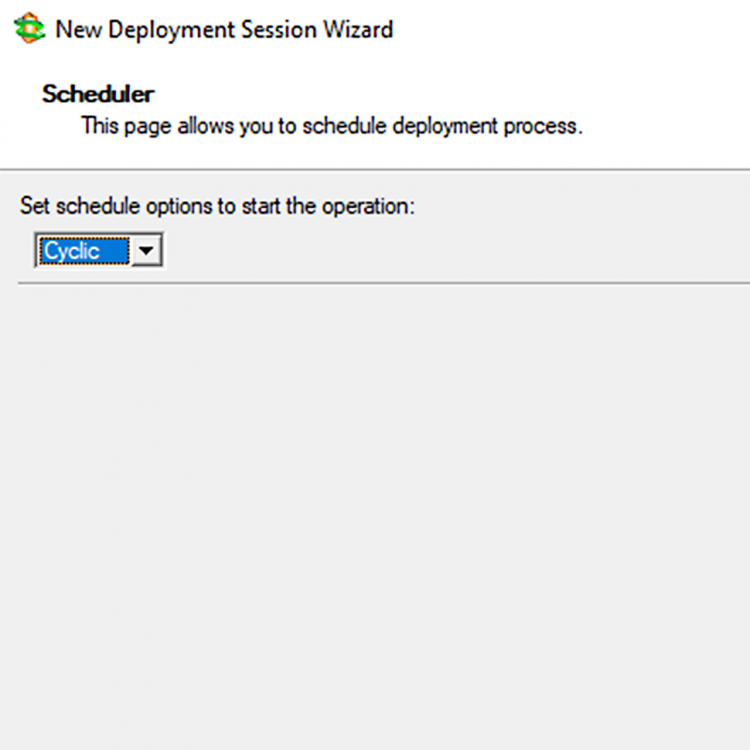
Remote or on-site, manual or fully-automated, scheduled, cyclic client- or server-driven deployments.
Getting deployment-ready
Prepare target machines for deployment by starting them up from custom bootable media or via the network.
Post-deployment customization
Specific client hardware adoption, e.g. storage and NIC drivers injection. The Paragon post-configuration scripting to create an optimal working environment for end user.
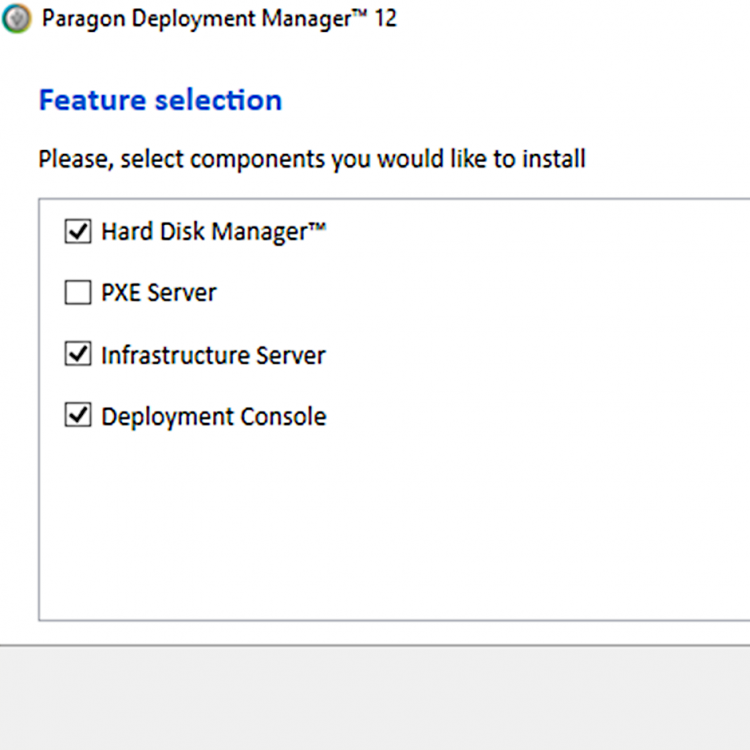
NEW in Deployment Manager ver. 12
- Wix-based installer that speeds up and streamlines the installation process.
- New Join-to-Domain post-configuration scenario.
- Encrypted backup data support.
- Raw backup data support.
General deployment
- Master imaging of disks, possibility to exclude redundant data during the process.
- Central deployment console to initiate, manage, and supervise all sessions from a single location.
- Initiate deployment directly from the target PC. Clients will be able to connect to a required multicast session at any time.
- Prepare a bootable flash stick or a PXE image to get a client computer ready for deployment and/or create a master image.
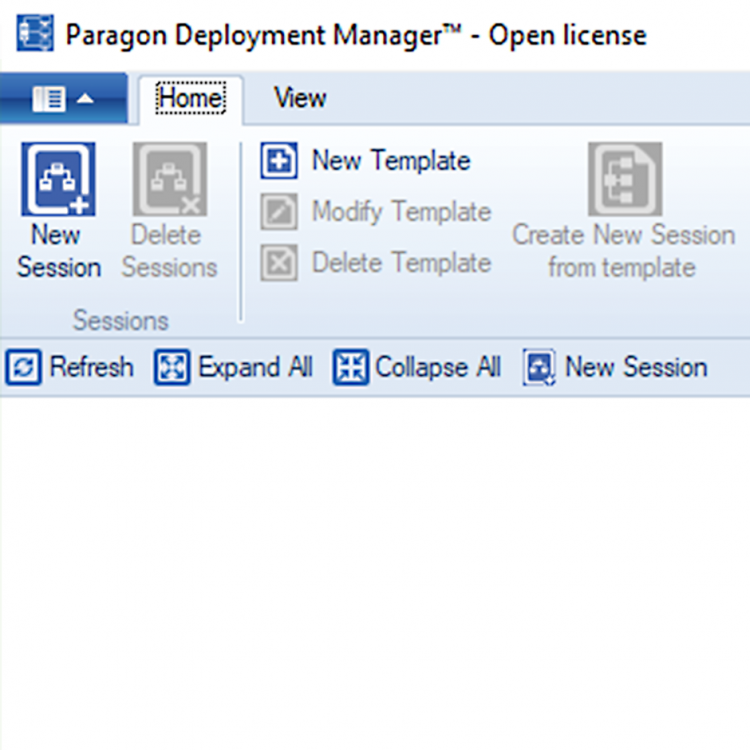
Remote deployment
- Simultaneous deployment of multiple machine groups with different system images or settings
- automatic sessions
- ID-based sessions
- MAC address-based sessions.
- Schedule a deployment session to launch it on a regular basis.
Master imaging
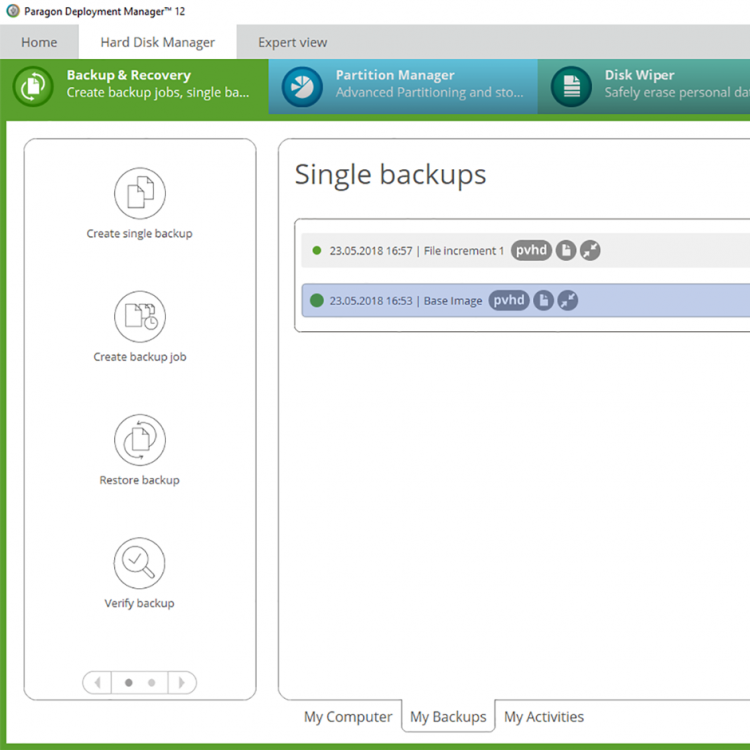
- Zero-install imaging, pVHD format support.
- Back up changes made after the full or latest incremental image – the most efficient way of updating master images.
- Central image storage allows to avoid unauthorized use.
- Access the backup images of entire hard disks to retrieve necessary information.
System Requirements
| Supported OS | |
| |
| Deployment Server | |
| |
| Deployment Target | |
| |
| Supported File Systems | |
| |
| Master Imaging Tool | |
| Additional Requirements |
|
Contact Sales
If you have questions related to purchasing Deployment Manager, click the button below to send us a message.
Submit requestor
Call our Sales team
Global Headquarters (Germany)
For business inquiries only!

 Mon thru Fri
United States Office
For business inquiries only!
 +1-888-347-5462
 Mon thru Fri