

データの安全性は、多くのことを考慮する必要のある複雑な問題です。Paragon Hard Disk Manager(HDM)は、25年間システムソフトウェアの実践や専門知識を踏まえて、すべてのデータを健全かつ安全に保てます
初心者ユーザー
“複雑な”とは必ずしも”難しい”という意味ではありません。親しみやすいウィザードは、新しいコンピューターの設定、古いハードディスクを新しい高速なSSDに交換、障害発生時やマルウェアに感染した際のシステム復旧など、一般的な処理を正常に完了するために必要な手順を説明してくれます。
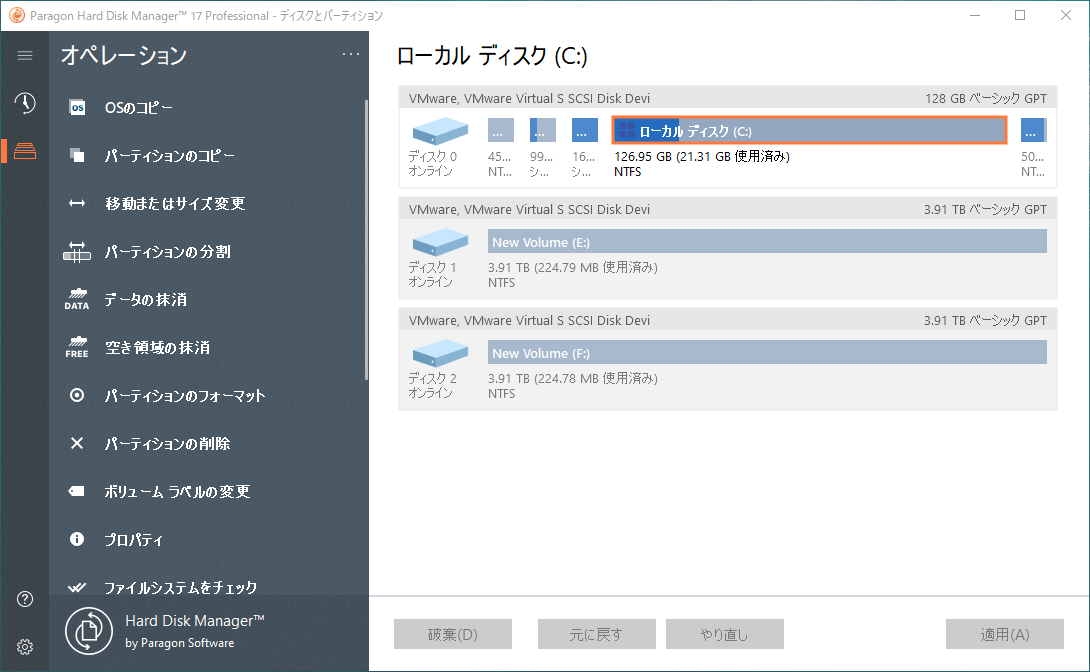 Hard Disk Managerは、コンピューターに接続されているストレージデバイスのレイアウトをディスクマップビューで表示します。
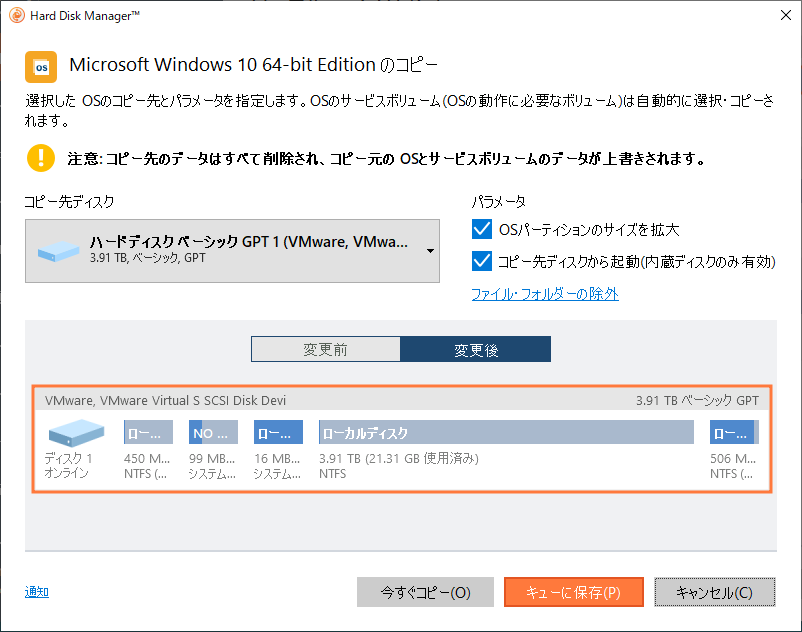 Hard Disk Managerは、シングルパーティションやWindows OSを含めたディスク全体を新しいディスクへ迅速かつ安全な移行を実行し、さらに小容量のドライブにも移行することができます。
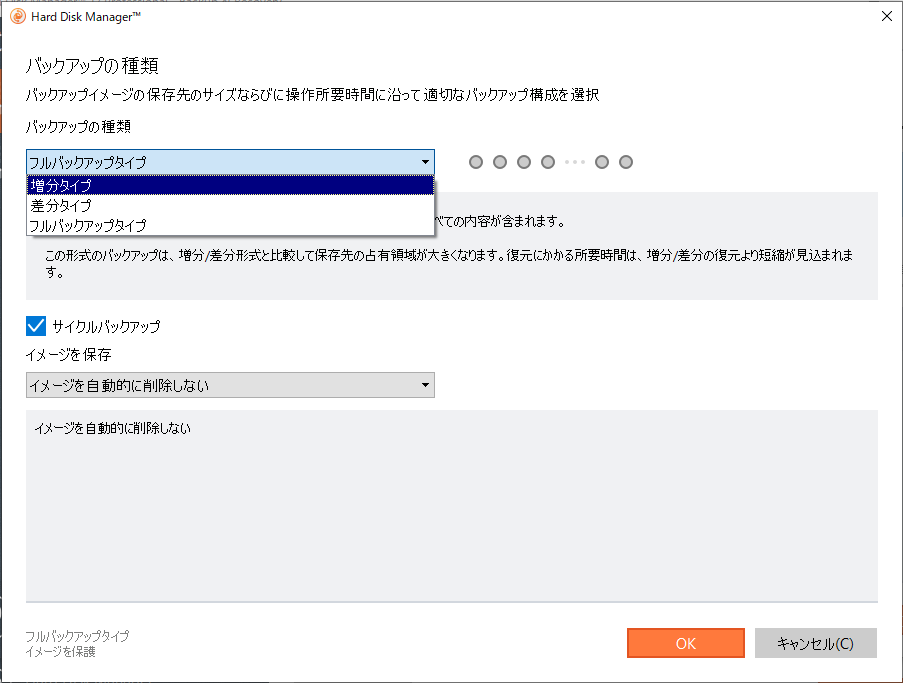 完全なバックアップ方法は、コンピューター、個々のボリューム、またはファイル全体に対して定期的なバックアップジョブを構成することによって、時間と労力を軽減します。
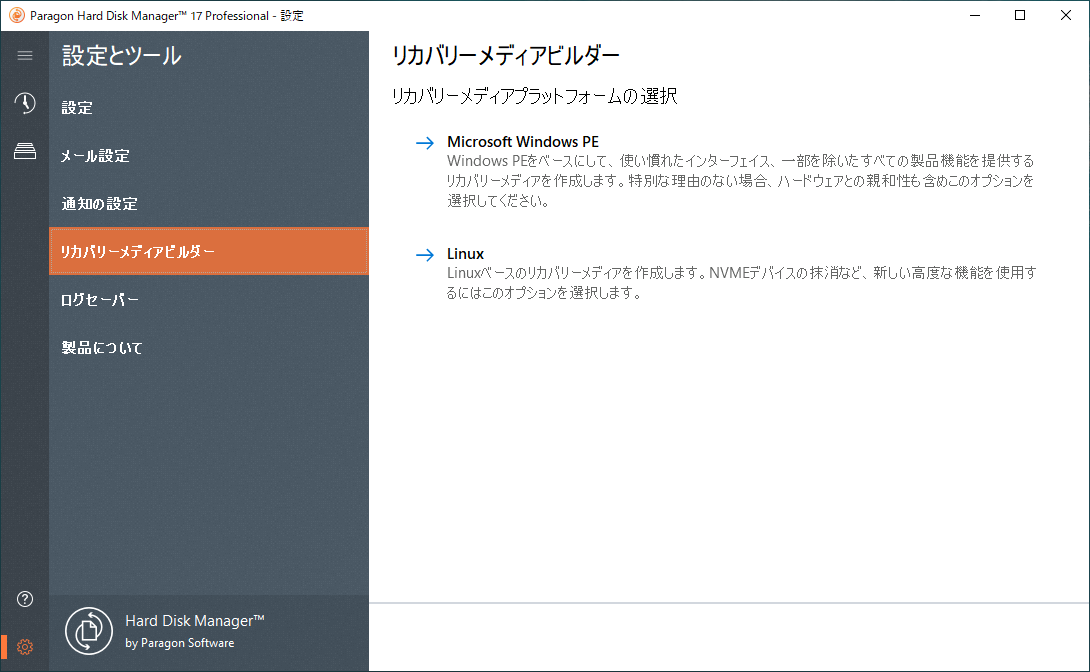 リカバリーメディアビルダーが付属しています。
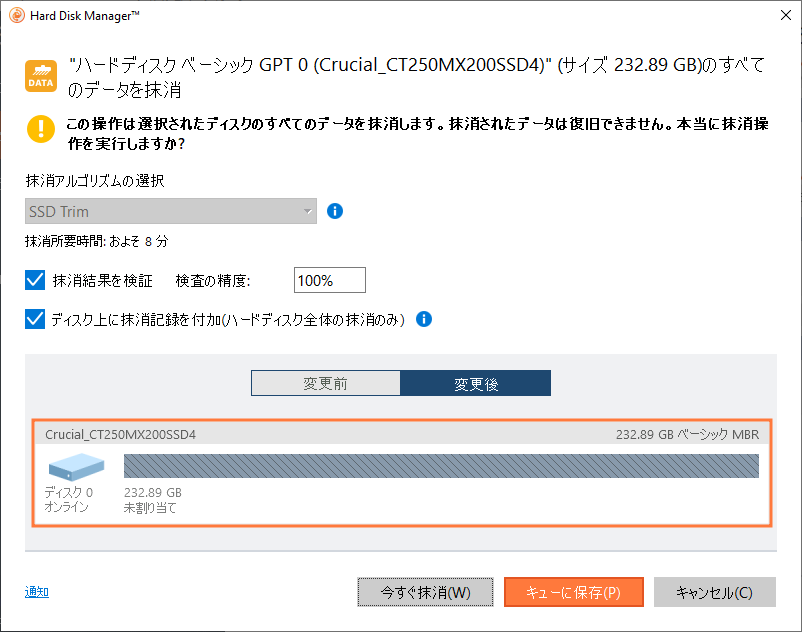
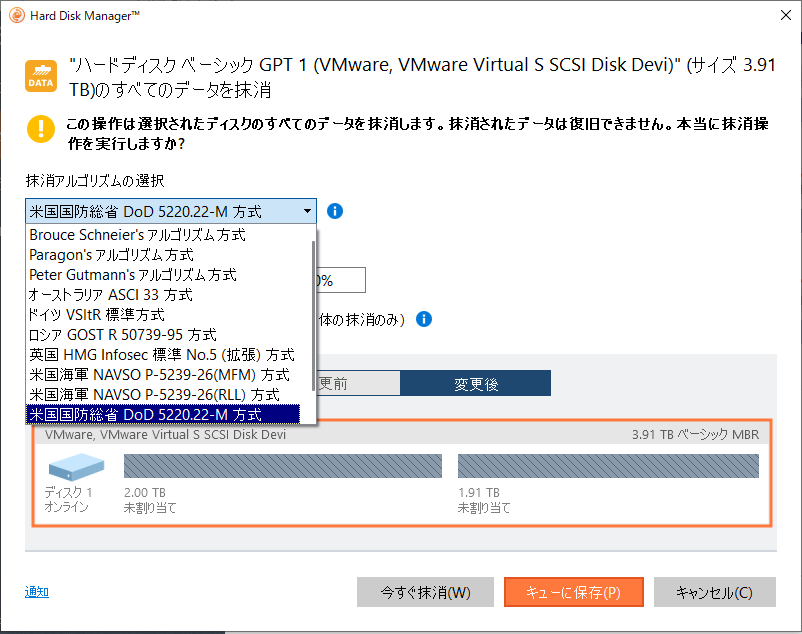 Hard Disk Managerは、あらゆる種類のストレージメディアを完全に抹消することにより、機密情報の漏洩を防ぎます。
万が一に備えて:お使いのコンピューターに原因不明のトラブルが発生し、すぐに知識のある友人や専門家の助けが得られない場合に遭遇したとします。
問題を解決するまでには、専門家による状況確認が必要となり、運良く復旧ができたとしても、データの損傷や金銭的な負担を考慮する必要があり、さらには時間と労力もかかります。もし、HDMで定期的なバックアップを実行していれば、トラブルが発生した場合も、被害を最小限に食い止めることができます。
エキスパートユーザー
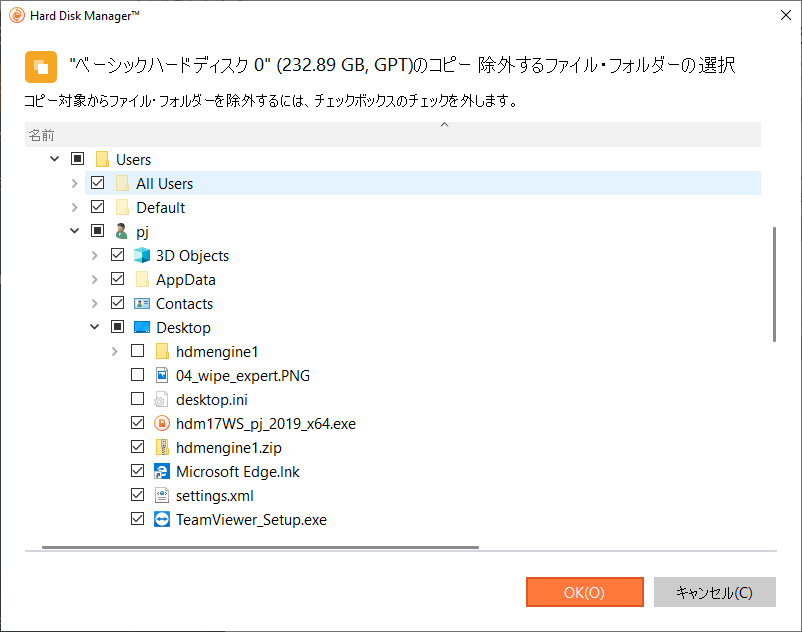
エキスパートユーザーは、より高度なシナリオで活用し、特定のタスクを制御するためのツールを直接呼び出せます。
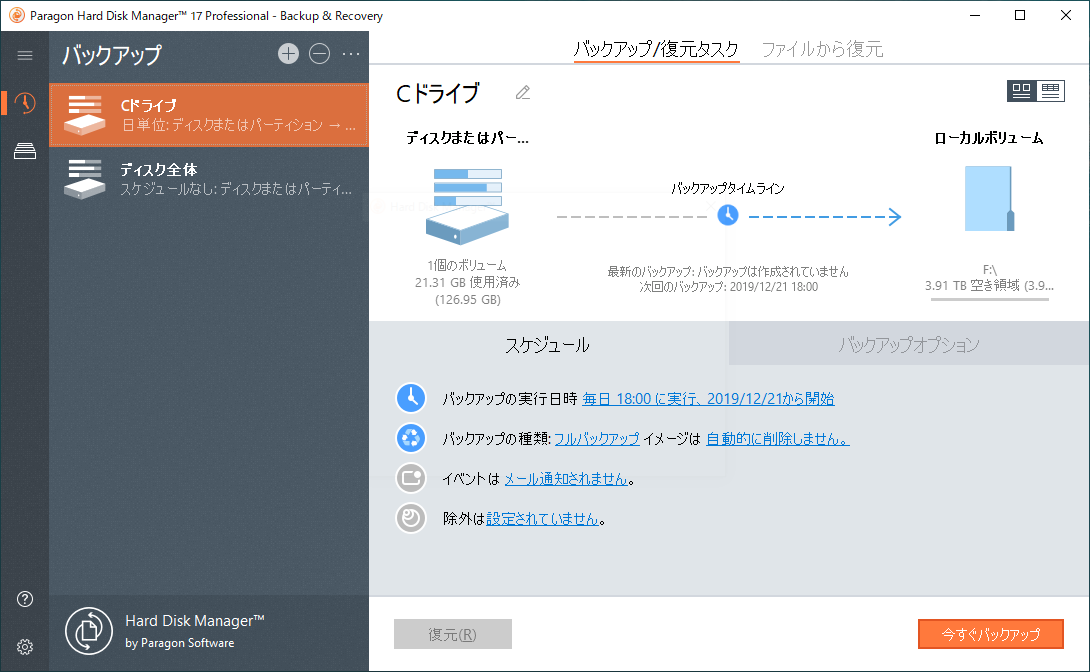
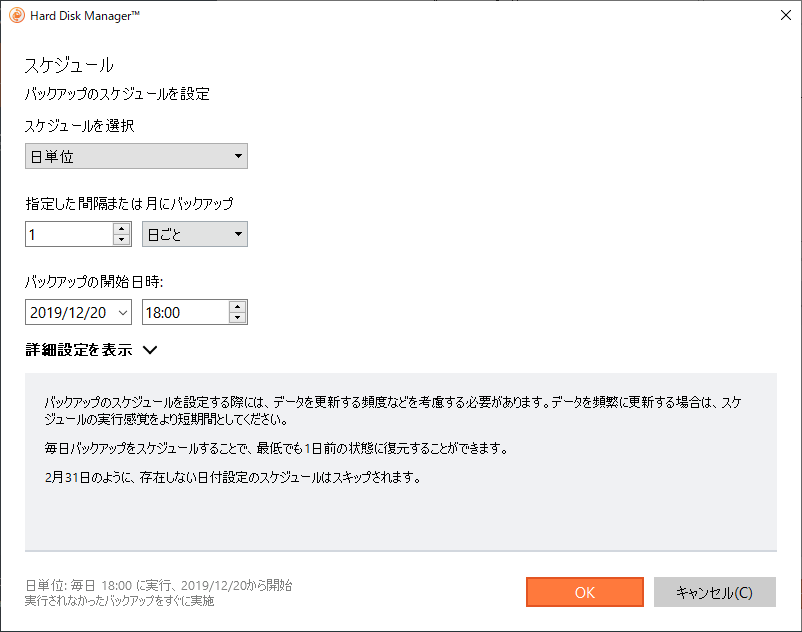
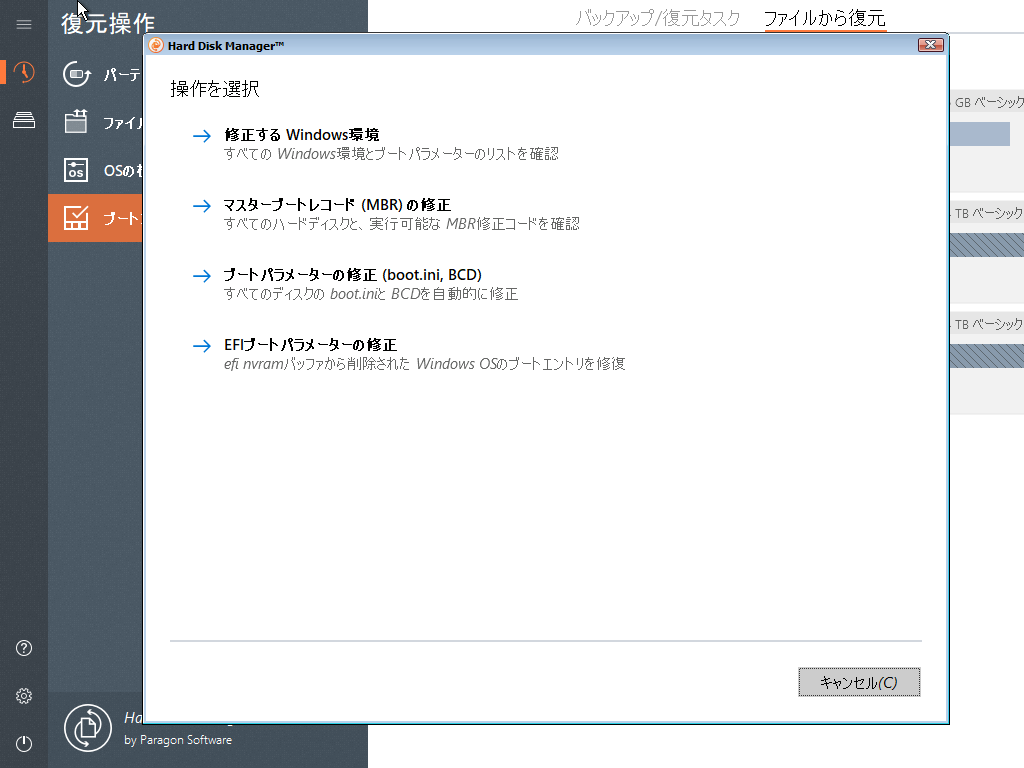
仮想モード
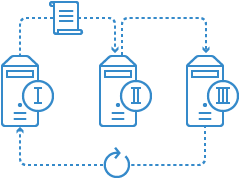
仮想モードを使用することをお勧めします。仮想モードはデフォルトで有効になっています。このモードでは、実行したいことはすべて最初にキューに入れられ、ユーザーの検証後にのみ変更が適用されます。操作が完了するまでに時間がかかる場合もあるため、作業完了まで待つ必要はありません。さらに重要なことは、適用前の仮想モードの結果を変更したい場合は1ステップ前に戻ったり、変更を元に戻すことができます。
Paragon リカバリーメディアビルダー
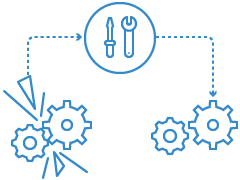
Hard Disk Managerには、Paragon リカバリーメディアビルダーが付属しており、論理エラー、ハードウェアの誤動作、または障害から発生する可能性がある特定の起動問題を修正できます。さらに、マルウェアやランサムウェアに起因する問題を含め、システムが壊れたり危険にさらされたりすると、バックアップからシステムとアプリケーションを素早く復元することができます。
パーティションサイズを直接変更
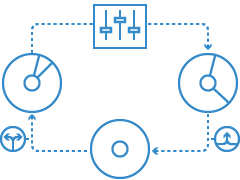
空きディスク容量の少ないドライブがありませんか? この問題は、複数のパーティションで構成されたシステムを運用すると、たびたび直面します。
Hard Disk Managerを使用すると、空き容量が不足しているパーティションサイズを変更することで、使用可能なストレージ容量を最大限に活用できます。
ディスクの抹消
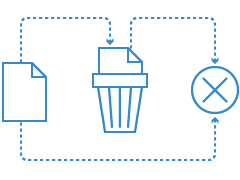
コンピューターを廃棄する場合、個人を特定可能なデータの抹消をお勧めします。Hard Disk Managerは、ハードディスクに保存されている様々なデータを、復元不可能な状態にまで抹消できます。また既存データを残したまま、過去に削除したファイルのみを抹消することも可能です。廃棄時の抹消処理をルール化するだけで、個人情報データが漏洩する可能性を極端に下げることができます。
システムとデータのライブ転送
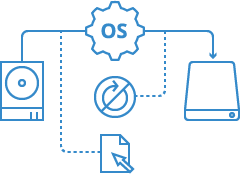
Windowsのシステムドライブをハードディスクドライブ(HDD)から、ソリッドステートストレージデバイス(SSD)に換装する場合、Hard Disk Managerは、コピー元となるWindows(HDD)にコピー先となるSSDを接続するだけで、簡単に複製できます。コピーを行っている最中も、再起動をしないままWindowsは継続してご利用いただけます。
機能と特徴
| 機能 | 特徴 |
|---|---|
| サポートするOS | ・Windows 7(sp1) Home / Professional / Enterprise / Ultimate |
| パーティション操作 | OSを削除せずにシステムパーティションのサイズ変更や、既存データを削除せずに、隣り合ったパーティションを1つのパーティションに結合する操作が行えます。また新規パーティションの追加作成、削除、移動、結合、サイズ変更、MBRディスクからGPTディスクまたはGPTディスクからMBRディスクへの変換などの高度な機能、およびドライブ文字の追加・変更・削除、ボリュームラベルの変更などの基本的な内容も用意しています。 |
| 抹消 | 11種類の抹消方式をサポートし、ハードディスク/パーティション内のデータを復元不可能な形で抹消することができます。 |
| バックアップ | 新しいバックアップエンジン(PVHD)によるハードディスク/パーティションのバックアップが行えます。また、複数のハードディスク、パーティションをもつコンピューター全体のバックアップも一度に作成可能です。 |
| コピー (クローン/マイグレーション) | 指定したハードディスク・パーティションを丸ごとコピー(クローンの作成)できます。VSSを利用したホットコピーが行えるため、OS上でコンピューターを使用しながらコピーを行えます。バックアップと同様に、リカバリーメディアから起動してのコールドコピーも作成できます。 |
対応環境とライセンス
| 対応機種 | |
| |
| バックアップ先として利用可能なメディア | |
|
ライセンス・パッケージ標準価格(税抜)
| 価格 | ライセンスパック |
|---|---|
| シングルライセンス: | 12,000円 |
| ボリュームライセンス 25-49: | 9,600円 (1ライセンスあたり) |
| ボリュームライセンス 50以上: | 9,000円 (1ライセンスあたり) |
| メディアキット: | 6,000円 |
| VARライセンス | キッティング案件などに最適なライセンスで、ご使用されるごとに1ライセンスを消費するライセンスです。お見積り、詳細はこちらまでお問い合わせください。 |
| OEM・バンドル・産業用途向けライセンス | 「Paragon Hard Disk Manager」をベースに、バンドル / OEMの用途に最適化されたバックアップツールとライセンスです。産業用PC ( FAパソコン )、 POS 端末、周辺機器、カスタムサーバーなどのリカバリーディスクを簡単に作成できます。詳細は、こちらまでお問い合わせください。 |
※メディアキットには、ライセンスは含まれません。
※ボリュームライセンスにはメディア、マニュアルが含まれません。別途メディアキットもしくはシングルライセンスをご購入ください。
※購入する数量に該当する価格が適用されます。 例:30ライセンスの場合、9,600 円 × 30
※この価格は、一括購入の場合のみ適用されます。
※年間保守は、25ライセンス以上のボリュームライセンスに対して設定がございます (シングルライセンスには保守設定はございません)。年間保守料は、製品購入と同時加入の場合は、製品標準価格の20%となります。次年度以降は、継続の場合は製品標準価格 の20%、終了後の再加入は製品標準価格の50%で申し受けます。
※年間保守料には、1年間のテクニカルサポート費用と保守期間内にバージョンアップが行われた場合の無償アップグレード費用が含まれています。
FAQ: 質問と回答
| Hard Disk Manager / Drive Backup / Partition Managerなどの旧バージョンで作成したバックアップイメージに対応していますか? | |
| |
| コンピューターを買い替えた後、製品の有効化ができません。 | |
| |
| 不良セクタがある場合でも使用できますか? | |
| |
| ダイナミック ディスクのコピー/バックアップは行えますか? | |
| |
| Linuxはサポートしていますか? | |
| |
| exFAT/ReFSには対応していますか? | |
| |
| リカバリーメディア起動時に無線LANは使用できますか? | |
| |
| 暗号化されたハードディスクをサポートしていますか? | |
| |
| リカバリーメディア起動時にNIC・RAIDボリュームが正常に認識しません | |
| |
| WindowsのサーバーOSには対応していますか? | |
| |
| RAIDに対応していますか? | |
| |
| ライセンスに関する注意事項を教えてください。 | |
| |
| その他製品に関する注意事項を教えてください。 | |
|
その他
| 最新バージョン | マイアカウントにログインしてダウンロードしてください |
| 製品ドキュメント | Paragon Hard Disk Manager 17 Professional基本操作ガイド ダウンロード |
| サポート | サポートリクエストを送信すると、サポートエンジニアがご対応いたします。サポートについての詳細 |
| その他 | フィードバック・フォームに記入してください。折り返しご連絡いたします。 |