
Since 2020 Drive copy is part of Hard Disk Manager functionality.
- You need Hard Disk Manager Advanced if you desire to use the app at home
- You need Hard Disk Manager for Business if you are going to use the app for commercial purposes.
Essential disk management
Keep your disk properly organized, create backups and migrate data with ease
Easy data
migration
Clone your hard disk to a larger drive, migrate your laptop to a new hard drive
Different
sector size
Copy or restore data to a hard disk with a different sector size
Backup and
restore
Migrate Windows to new storage devices, backup and restore the system and data
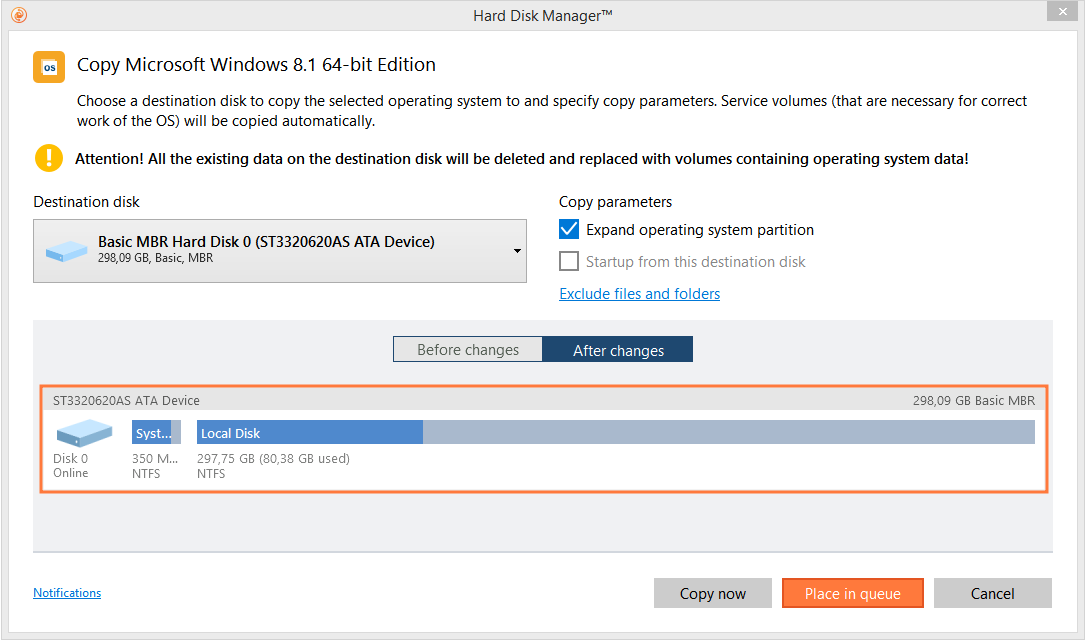
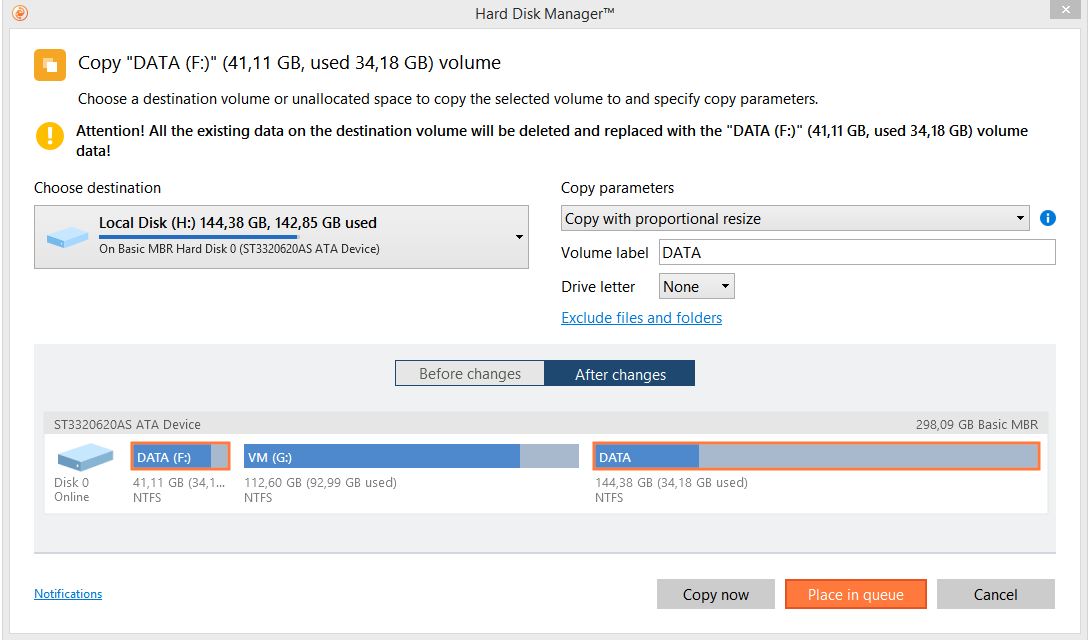
Data Copy and Migration with ease
- Full range of copy operations: copy hard disk entirely or a partition separately.
- Copy or restore the contents of a 512-byte hard disk to a 4k hard disk with no extra actions required.
- Migrate any Windows OS from Windows 7 onwards, from HDD to a high-performance SSD.
- Exclude data you don’t want to copy.
Partitioning
- Perform partitioning operations to keep disks properly organized.
- Split or merge partitions and redistribute free space.
Backup & Recovery
- The in-built wizard that restores all types of backup images created with the program.
- Sector backup is ideal for securing an entire hard disk or a system partition.
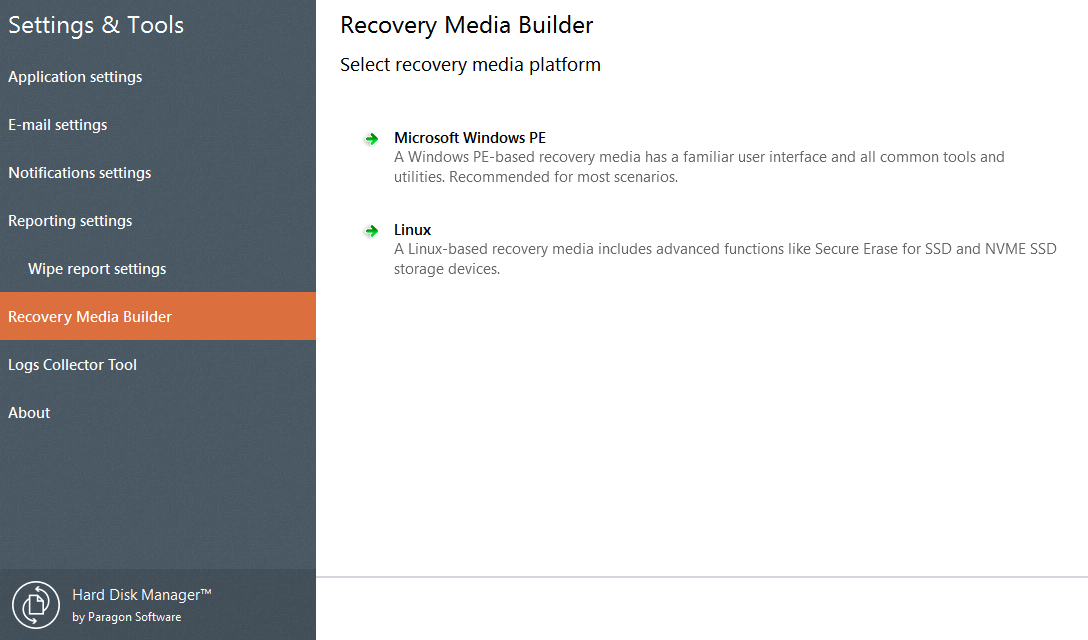
- Available now: Embedded Recovery Media Builder 3.0 tool for creating a personal intuitive recovery environment.
- Load an existing backup, secure important data or rectify booting errors, when your OS fail to boot up via the bootable Paragon recovery environment.
System Requirements
| Supported OS | |
| |
| Supported Computer Bus Interfaces | |
| |
| Supported Storages | |
| |
| Supported File Systems | |
| |
| Supported Partitioning Schemes | |
|
Contact Sales
If you have questions related to purchasing Drive Copy Professional, click the button below to send us a message.
Submit requestor
Call our Sales team
Global Headquarters (Germany)
For business inquiries only!

 Mon thru Fri
United States Office
For business inquiries only!
 +1-888-347-5462
 Mon thru Fri