Paragon's products have a unique variety of features. For an easy overview, you can use this list. Find the right product for you with a few clicks. In the pull-down menus, please choose up to three products and create your own feature comparison list.
| Function |
|
|
|
Sector-level Backup
 Sector-level Backup Sector-level Backup operates with an image (or a snapshot). It not only includes the contents of all user-made files, but additionally contains the exact structure of directories, information about file allocation, file attributes and other related data. Thus it enables to successfully process system or encrypted partitions of any file system type, no matter what kind of information they contain
|

Full Sector-level Backup
 Full Sector-level Backup Full Sector-level Backup is a backup image that includes all contents of a partition or a hard disk at the moment of its creation. If you roll back your system to the initial state on a regular basis, that’s exactly what you’re looking for
|
null
|
null
|
null
|
|
|
File-level Backup
 File-level Backup File-level Backup takes into account a file system structure and only functions on a file or folder level. So it is very efficient when archiving separate files or folders, but in no way will help you back up a system partition
|

Full File-level Backup
 Full File-level Backup Full File-level Backup only contains files and folders. It is really efficient when backing up an e-mail database or particular documents, as no redundant data is processed
|
null
|
null
|
null
|
|
|
|
Backup Destination
|

Local Disks / Network
 Local Disks / Network Local Disks / Network. Local partitions is the most convenient option, but try not to use it. You can delete your backup accidentally or lose it as a result of a hardware malfunction, or a virus attack. Storing backup images on a network drive gives a better chance of success in case of a hard disk failure, especially when using a special-purpose server
|
null
|
null
|
null
|
|
|

Backup Capsule
 Backup Capsule Backup Capsule has an independent system layout and will stay operable should the active file system be damaged. Thus it grants an additional level of security to archives it contains. It can be bootable
|
null
|
null
|
null
|
|
|

CD/DVD/BD
 CD/DVD/BD CD/DVD/BD guarantees a high level of data protection as long as the backup media is kept secure
|
null
|
null
|
null
|
|
|

FTP/SFTP
 FTP/SFTP FTP/SFTP provides a new level of system and data protection
|
null
|
null
|
null
|
|
|

Unmounted Partitions
 Unmounted Partitions Unmounted Partitions. It may be of help in some cases
|
null
|
null
|
null
|
|
|
Restore
 Restore Restore is the reverse operation to backup and is needed when the system fails to start up, or there are accidentally lost files
|

Restore to Same Hardware
 Restore to Same Hardware Restore to Same Hardware is a standard restore operation
|
null
|
null
|
null
|
|
|
Sector-level Backup
 Sector-level Backup Sector-level Backup operates with an image (or a snapshot). It not only includes the contents of all user-made files, but additionally contains the exact structure of directories, information about file allocation, file attributes and other related data. Thus it enables to successfully process system or encrypted partitions of any file system type, no matter what kind of information they contain
|

Differential Backup
 Differential Backup Differential Backup is good for regular backup, as it only archives changes since the last full sector-based image, thus considerably saving the backup storage space
|
null
|
null
|
null
|
|
|

Sector Increment
 Sector Increment Sector Increment is a further way of optimizing the process of disk imaging. Unlike differentials, it may not only contain data changed since the time of creating a full sector-based archive, but one of its increments as well, thus allowing to save more time and the backup storage
|
null
|
null
|
null
|
|
|

Cyclic Backup
 Cyclic Backup Cyclic Backup helps to establish a self-acting data protection system that is fully compliant with the Set-and-Forget Backup Policy
|
null
|
null
|
null
|
|
|

Synthetic Backup
 Synthetic Backup Synthetic Backup helps to change any property (merge a given differential image with its full image, split/un-split, compress/de-compress, etc.) of an existing archive without carrying out a physical backup operation
|
null
|
null
|
null
|
|
|
File-level Backup
 File-level Backup File-level Backup takes into account a file system structure and only functions on a file or folder level. So it is very efficient when archiving separate files or folders, but in no way will help you back up a system partition
|

File Increment
 File Increment File Increment is good for regular backup, as an incremental archive is smaller and takes less time to create, but you will require the initial full archive and all of its increments to restore the latest point of this kind of backup
|
null
|
null
|
null
|
|
|

File Complement
 File Complement File Complement enables to back up OS on a sector level to get it back on track in minutes, and then make file increments to keep updated only critical information, thus considerably saving the system resources
|
null
|
null
|
null
|
|
|
Restore
 Restore Restore is the reverse operation to backup and is needed when the system fails to start up, or there are accidentally lost files
|

Restore to Dissimilar Hardware
 Restore to Dissimilar Hardware Restore to Dissimilar Hardware is restore of a Windows OS physical system to a different hardware platform by allowing automatic injection of all required drivers and the other actions crucial for this type of operation
|
null
|
null
|
null
|
|
|

Selective Restore
 Selective Restore Selective Restore opens the option to extract files and folders from an archive without the need to restore the whole archive
|
null
|
null
|
null
|
|
|

Restore With Resize
 Restore With Resize Restore With Resize provides much flexibilty when restoring either to smaller or larger blocks of free space
|
null
|
null
|
null
|
|
|
|
|

Exludes for Enterprise-level Apps
 Exludes for Enterprise-level Apps Exludes for Enterprise-level Apps (MS Exchange, SQL, SharePoint, Hyper-V, VMware Server) provide for better backup performance of Windows Server, minimize backup storage requirements, and eliminate any interference with special-purpose backup tools
|
null
|
null
|
null
|
|
|

Retention Wizard
 Retention Wizard Retention Wizard enables to set up effective backup methods for full, differential and incremental backup strategies, in physical and virtual environments
|
null
|
null
|
null
|
|
|

Synchronous Backup of Multiple Volumes
|
null
|
null
|
null
|
|
|

Asynchrounous Sector-level Backup Mode
|
null
|
null
|
null
|
|
|

Manage Backup Capsule
 Manage Backup Capsule Manage Backup Capsule helps to create, change size and other properties of Paragon's Backup Capsule
|
null
|
null
|
null
|
|
|

Check Recovery Media
 Check Recovery Media Check Recovery Media to make sure backup data is OK and the media is bootable
|
null
|
null
|
null
|
|
|

Check Archive Integrity
 Check Archive Integrity Check Archive Integrity to make sure backup data is OK
|
null
|
null
|
null
|
|
|

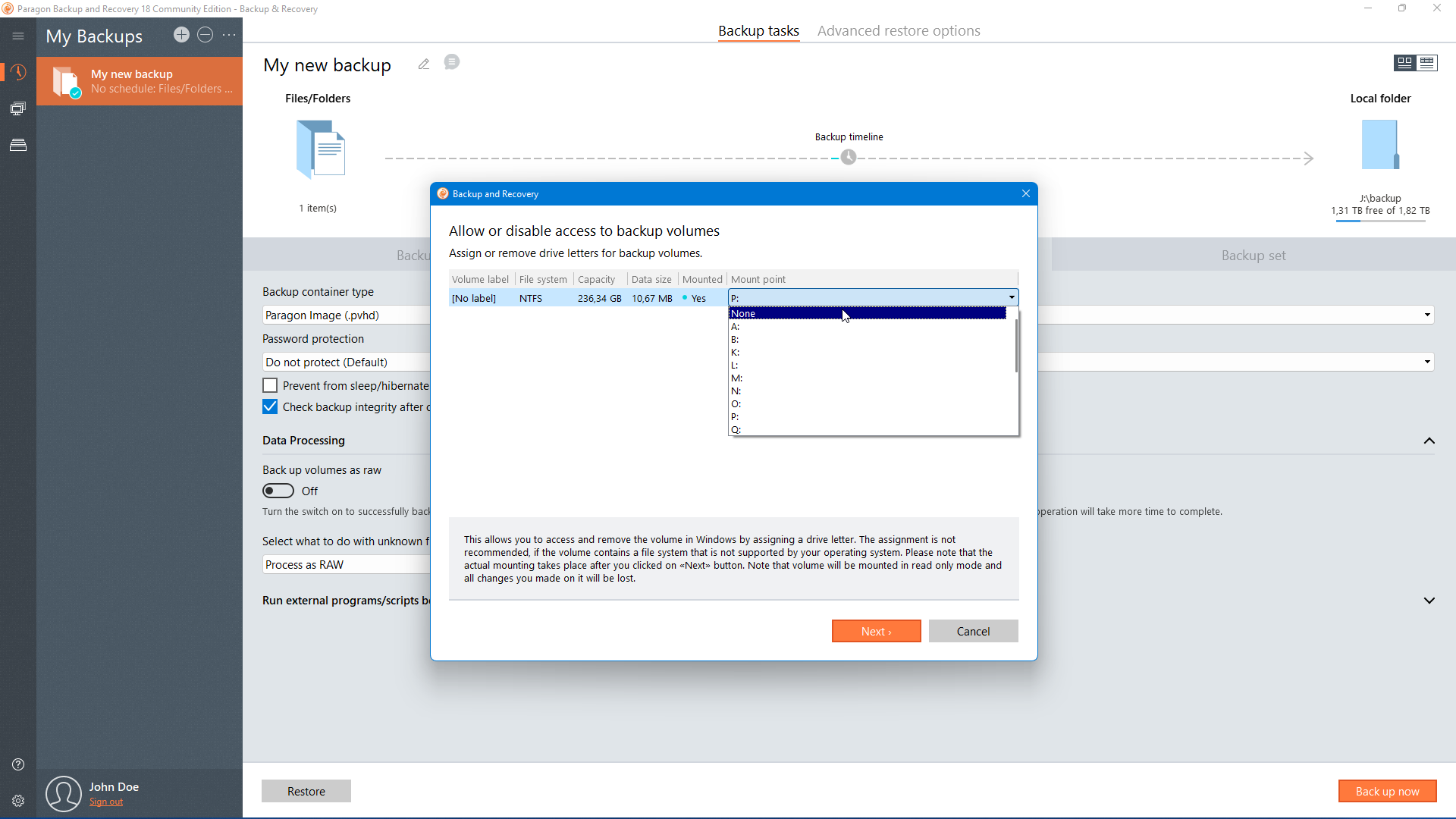
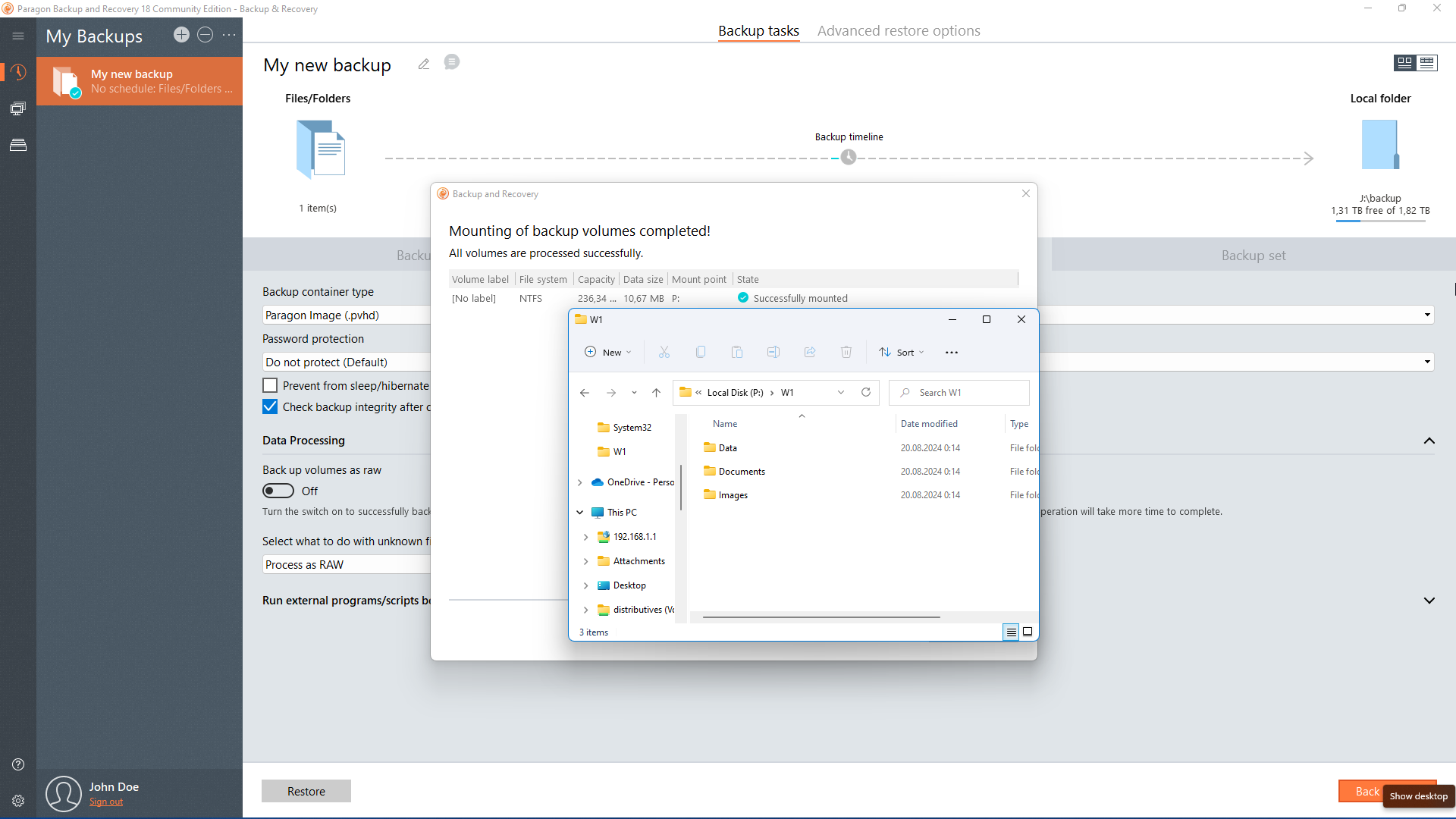
Mount Archive
 Mount Archive Mount Archive enables to browse contents, copy, extract files and folders, etc. of a backup image as if it's an ordinary local drive
|
null
|
null
|
null
|
|
|

Bootable Archives
 Bootable Archives Bootable Archives to start up the computer and accomplish restore operations
|
null
|
null
|
null
|
|
|

Bootable Backup Capsule
 Bootable Backup Capsule Bootable Backup Capsule to start up the computer for maintenance or recovery purposes
|
null
|
null
|
null
|
|
|
Create/Format/Delete
 Create/Format/Delete Create/Format/Delete are basic functions for initializing, partitioning and formatting hard disks. Instead of the standard Windows disk tools, the program supports all popular file systems
|
null
|
null
|
null
|
|
Move/Resize
 Move/Resize Move/Resize helps to change size and/or move partitions on a hard disk
|
null
|
null
|
null
|
|
Convert File System
 Convert File System Convert File System enables to safely change a file system type of an existing partition
|

FAT <> NTFS
|
null
|
null
|
null
|
|
|

HFS <> NTFS
|
null
|
null
|
null
|
|
|
Undelete
 Undelete Undelete helps to find and recover any accidentally deleted partition
|
null
|
null
|
null
|
|
Assign/Remove Drive Letter
 Assign/Remove Drive Letter Assign/Remove Drive Letter to mount a physical partition in Windows OS
|
null
|
null
|
null
|
|
|
Change Partition Properties
|

Hide/Unhide
 Hide/Unhide Hide/Unhide to safely hide data from Windows and applications
|
null
|
null
|
null
|
|
|

Active/Inactive
 Active/Inactive Active/Inactive is an advanced feature for experienced users!
|
null
|
null
|
null
|
|
|

Volume Label
 Volume Label Volume Label to identify partitions by giving them catchy labels
|
null
|
null
|
null
|
|
|
Redistribute Free Space
 Redistribute Free Space Redistribute Free Space helps to increase free space on one partition by up-taking the on-disk unallocated space and the unused space of other partitions
|
null
|
null
|
null
|
|
Merge Partitions
 Merge Partitions Merge Partitions enables to consolidate contents of two adjacent (or separated by free blocks) partitions into one bigger partition
|
null
|
null
|
null
|
|
Split Partition
 Split Partition Split Partition helps to detach OS and data or different types of data by splitting one partition to two different partitions of the same type and file system
|
null
|
null
|
null
|
|
Change Cluster Size
 Change Cluster Size Change Cluster Size enables to effectively control performance of your system and the so called “waste space factor”
|
null
|
null
|
null
|
|
Change Primary Slots
 Change Primary Slots Change Primary Slots helps to fix problems caused by an inappropriate order of partitions in the Partition Table
|
null
|
null
|
null
|
|
Convert to Logical/Primary
 Convert to Logical/Primary Convert to Logical/Primary allows changing the type of an existing partition without data loss
|
null
|
null
|
null
|
|
Convert Dynamic to Basic
 Convert Dynamic to Basic Convert Dynamic to Basic helps to convert a dynamic MBR disk containing simple volume(s) into a basic MBR disk
|
null
|
null
|
null
|
|
Convert GPT to Basic MBR
 Convert GPT to Basic MBR Convert GPT to Basic MBR enables to convert a basic or a dynamic GPT disk containing simple volume(s) into a basic MBR disk
|
null
|
null
|
null
|
|
Convert Basic MBR to Basic GPT
 Convert Basic MBR to Basic GPT Convert Basic MBR to Basic GPT allows converting a basic MBR disk into a basic GPT disk
|
null
|
null
|
null
|
|
|
Change Partition Properties
|

Partition ID
 Partition ID Change of Partition ID enables to manipulate accessibility of partitions
|
null
|
null
|
null
|
|
|

Serial Number
 Serial Number Serial Number is an advanced feature for experienced users!
|
null
|
null
|
null
|
|
|

Downgrade NTFS Version
 Downgrade NTFS Version Downgrade NTFS Version might be needed for compatibility purposes
|
null
|
null
|
null
|
|
|
Edit Disk
 Edit Disk Edit Disk to view and edit the smallest essential pieces of data stored in sectors of a hard disk
|
null
|
null
|
null
|
|
Test Surface
 Test Surface Test Surface helps to minimize the risk of data loss by automatically finding and hiding if necessary unstable and bad sectors in the file system metadata
|
null
|
null
|
null
|
|
Check File System Integrity
 Check File System Integrity Check File System Integrity enbales to detect possible file system errors before performing any operation on a partition
|
null
|
null
|
null
|
|
Change Security Identifier (SID)
 Change Security Identifier (SID) Change Security Identifier (SID) helps to find and change values of identical Windows installations
|
null
|
null
|
null
|
|
Support of GPT/uEFI Configurations
 Support of GPT/uEFI Configurations Enables to successfully clone, migrate, or restore a 64-bit Windows configured to the uEFI-based boot mode; to fix uEFI related boot problems
|
null
|
null
|
null
|
|
Clone Partition / HDD
 Clone Partition / HDD Clone Partition / HDD helps to make an exact clone of a partition or an entire hard disk
|

Up to 2.2TB
|
null
|
null
|
null
|
|
|

To 3TB+ (Hybrid GPT+MBR)
|
null
|
null
|
null
|
|
|

To uEFI (Native GPT)
|
null
|
null
|
null
|
|
|

To SSD/With Shrink
|
null
|
null
|
null
|
|
|
P2P (Physical to Physical)
 P2P (Physical to Physical) P2P (Physical to Physical) is migration of a Windows OS physical system from one hardware platform to another
|
null
|
null
|
null
|
|
P2V (Physical to Virtual) Copy
 P2V (Physical to Virtual) Copy P2V (Physical to Virtual) Copy is migration of a live Windows OS physical system to a ready-to-use virtual machine
|
null
|
null
|
null
|
|
P2V (Physical to Virtual) Restore
 P2V (Physical to Virtual) Restore P2V (Physical to Virtual) Restore is migration of a physical Windows OS system from a backup directly to a virtual environment
|
null
|
null
|
null
|
|
|
Supported virtual machines for P2V (Physical to Virtual) migration scenarios
|

Desktop
|
|
|

Oracle VB 4.0
|
null
|
null
|
null
|
|
|

VM Fusion/Workstation
|
null
|
null
|
null
|
|
|

MS Virtual PC
|
null
|
null
|
null
|
|
|

Server
|
|
|

VMware ESX Server
|
null
|
null
|
null
|
|
|

MS Hyper-V
|
null
|
null
|
null
|
|
|

MS Virtual Server
|
null
|
null
|
null
|
|
|
V2V (Virtual to Virtual)
 V2V (Virtual to Virtual) V2V (Virtual to Virtual) is migration of a Windows OS virtual environment from one virtualization software vendor to another
|
null
|
null
|
null
|
|
V2P (Virtual to Physical)
 V2P (Virtual to Physical) V2P (Virtual to Physical) is migration of a Windows OS virtual environment to a physical platform
|
null
|
null
|
null
|
|
Connect VD
 Connect VD Connect VD enables to mount a virtual disk and work with it in our program as if it’s an ordinary physical hard disk
|

Direct connection
 Direct connection Direct connection from a local disk, an external storage device, or a network share
|
|
|

MS Virtual PC 2007
|
null
|
null
|
null
|
|
|

MS Windows Virtual PC
|
null
|
null
|
null
|
|
|

MS Virtual Server
|
null
|
null
|
null
|
|
|

MS Hyper-V R1/R2
|
null
|
null
|
null
|
|
|

Oracle Virtual Box 1.0-4.x
|
null
|
null
|
null
|
|
|

VMware Player
|
null
|
null
|
null
|
|
|

VMware Fusion/Workstation
|
null
|
null
|
null
|
|
|

VMware Server
|
null
|
null
|
null
|
|
|

Parallels Workstation
|
null
|
null
|
null
|
|
|

XenServer (.vhd only)
|
null
|
null
|
null
|
|
|

Paragon’s Backups (.pbf)
|
null
|
null
|
null
|
|
|

Connection through vSphere Interface
 Connection through vSphere Interface Connection through vSphere Interface opens up the option to remotely connect and work with guests' disks of VMware ESX
|
|
|

VMware ESX 4.x
|
null
|
null
|
null
|
|
|

VMware ESXi 4.x
|
null
|
null
|
null
|
|
|

VMware ESXi 5.x
|
null
|
null
|
null
|
|
|
Non-destructive Connect VD
 Non-destructive Connect VD Non-destructive Connect VD is a special read/write mode, when all changes on the connected disk are being saved to a snapshot, thus providing complete safety for the original disk’s contents. If needed, this snapshot can later be merged with its parental disk by using standard tools of a virtualization software vendor
|
null
|
null
|
null
|
|
Create VD
 Create VD Create VD helps to create an empty virtual disk or with specific data of one of the supported virtualization vendors
|
null
|
null
|
null
|
|
Incremental Copy
 Incremental Copy Incremental Copy is a special mode when only changes from the moment of the last copy operation are processed. It enables to decrease the amount of data to write
|
null
|
null
|
null
|
|
Partition Alignment
 Partition Alignment Partition Alignment is the process of adjusting location of partitions on a hard drive according to its internal geometry. It may considerably increase performance on SSD, AFD and non-512B sector size disks
|

Automatic During Operations*
|
null
|
null
|
null
|
|
|

Stand-alone Utility
|
null
|
null
|
null
|
|
|
De-fragmentation
 De-fragmentation Defragmentation fights an inevitable decrease of the disk efficiency that lies in non-optimal allocation of files, the so-called file fragmentation
|

NTFS/FAT
|
null
|
null
|
null
|
|
|
Defragmentation
 Defragmentation Defragmentation fights an inevitable decrease of the disk efficiency that lies in non-optimal allocation of files, the so-called file fragmentation
|

Master File Table
 Master File Table Master File Table (MFT) is an NTFS system file that contains information on files. Its defragmentation and shrinking may considerably improve the speed at which data is accessed
|
null
|
null
|
null
|
|
|
Boot Manager
 Boot Manager Boot Manager allows choosing what OS to boot during the computer startup
|
null
|
null
|
null
|
|
Update MBR
 Update MBR Update MBR helps to repair a corrupted bootable code of a hard disk to recover the startup ability of your system
|
null
|
null
|
null
|
|
Install New OS
 Install New OS Install New OS minimizes time to prepare your system to install a new OS
|
null
|
null
|
null
|
|
Volume Explorer
 Volume Explorer Volume Explorer lets you explore a file system of any type and provide access to the necessary files and directories regardless of their security attributes
|
null
|
null
|
null
|
|
File Transfer Wizard
 File Transfer Wizard File Transfer Wizard (FTW) eases the process of transferring files and folders between different Windows, Linux, or Mac OS X partitions. You can also use it to extract data from backups
|
null
|
null
|
null
|
|
GPT Loader
 GPT Loader GPT Loader is a special system driver to allow use of all space of modern ultra high capacity drives (larger than 2.2TB) on systems that don't support it
|
null
|
null
|
null
|
|
Wipe Partition/HDD
 Wipe Partition/HDD Wipe Partition/HDD helps to destroy all on-disk information including the standard bootstrap code and other system service structures
|
null
|
null
|
null
|
|
Clear Free Space
 Clear Free Space Clear Free Space helps to destroy any remnants of deleted files/directories left on disk without affecting the used data
|
null
|
null
|
null
|
|
|
Supported Wipe Algoritms
|

US DoD 5220.22-M
|
null
|
null
|
null
|
|
|

US Navy standards NAVSO P-5239-26
|
null
|
null
|
null
|
|
|

British HMG Infosec Standard No.5
|
null
|
null
|
null
|
|
|

German VSItR Standard
|
null
|
null
|
null
|
|
|

Australian ASCI 33
|
null
|
null
|
null
|
|
|

Russian GOST
|
null
|
null
|
null
|
|
|

Peter Gutmann's algorithm
|
null
|
null
|
null
|
|
|

Bruce Schneier's algorithm
|
null
|
null
|
null
|
|
|

Paragon’s Algorithm
|
null
|
null
|
null
|
|
|

Custom Algorithm
|
null
|
null
|
null
|
|
|

Simple on Delete
|
null
|
null
|
null
|
|
|
Scheduler
 Scheduler Scheduler enables to set a time table for any operations to execute them later automatically
|
null
|
null
|
null
|
|
Scripting
 Scripting Scripting helps to automate the program’s execution on multiple computers without the need of manual configuration from GUI
|
null
|
null
|
null
|
|
Master Boot Record
 Master Boot Record Master Boot Record (MBR) is a type of boot sector popularized by the IBM Personal Computer. It's usually placed on storages intended for use with IBM PC-compatible systems
|
null
|
null
|
null
|
|
GUID Partition Table
 GUID Partition Table GUID Partition Table (GPT) is the next generation partition scheme developed to lift restrictions of the old MBR. GPT disks are now supported by Windows Vista/7/8, Server 2008, Mac OS X and Linux**
|
null
|
null
|
null
|
|
Microsoft Dynamic Disk
 Microsoft Dynamic Disk Microsoft Dynamic Disk (simple, spanned, striped, mirrored, RAID-5) offers more management flexibility without the partition limitation of basic disks. Dynamic storage can be particularly beneficial for large-scale businesses when dealing with many physical hard disks involving complex setup***
|
null
|
null
|
null
|
|
Apple Partition Map
 Apple Partition Map Apple Partition Map is a partition scheme used to define the low-level organization of data on disks formatted for use with 68k and PowerPC Macintosh computers
|
null
|
null
|
null
|
|
|
NTFS (V1.2, V3.0, V3.1)
|
null
|
null
|
null
|
|
|
Linux Swap
|
null
|
null
|
null
|
|
|
Apple HFS+
|
null
|
null
|
null
|
|
|
Parallel ATA (IDE)
|
null
|
null
|
null
|
|
|
Serial ATA (SATA)
|
null
|
null
|
null
|
|
|
SCSI (Small Computer Systems Interface)
|
null
|
null
|
null
|
|
|
SSD (Solid State Drives)
|
null
|
null
|
null
|
|
|
AFD (Advanced Format Drive)
|
null
|
null
|
null
|
|
|
Non-512B Sector Size Drives
|
null
|
null
|
null
|
|
|
iSCSI (Internet Small Computer System Interface)
|
null
|
null
|
null
|
|
|
IEEE 1394 (FireWire)
|
null
|
null
|
null
|
|
|
USB 1.0/2.0/3.0
|
null
|
null
|
null
|
|
|
PC Card Storage
|
null
|
null
|
null
|
|
|
Desktop
|

Windows 2000
|
null
|
null
|
null
|
|
|

Windows XP
|
null
|
null
|
null
|
|
|

Windows Vista
|
null
|
null
|
null
|
|
|

Windows 7
|
null
|
null
|
null
|
|
|

Windows 8
|
null
|
null
|
null
|
|
|
|
Server
|

Windows Server 2003 Family
|
null
|
null
|
null
|
|
|

Windows Server 2008 Family
|
null
|
null
|
null
|
|
|

Windows SBS 2003/2008/2011
|
null
|
null
|
null
|
|
|

Windows Server 2012
|
null
|
null
|
null
|
|
|
|
Bootable Media Builder
|

WinPE Based****
|
|
|

Driver Injector
 Driver Injector Driver Injector enables to add drivers for specific storage controllers and network cards
|
null
|
null
|
null
|
|
|

Boot Corrector
 Boot Corrector Boot Corrector helps to fix most of the system boot problems that can be a result of a human factor, program error or a boot virus activity
|
null
|
null
|
null
|
|
|

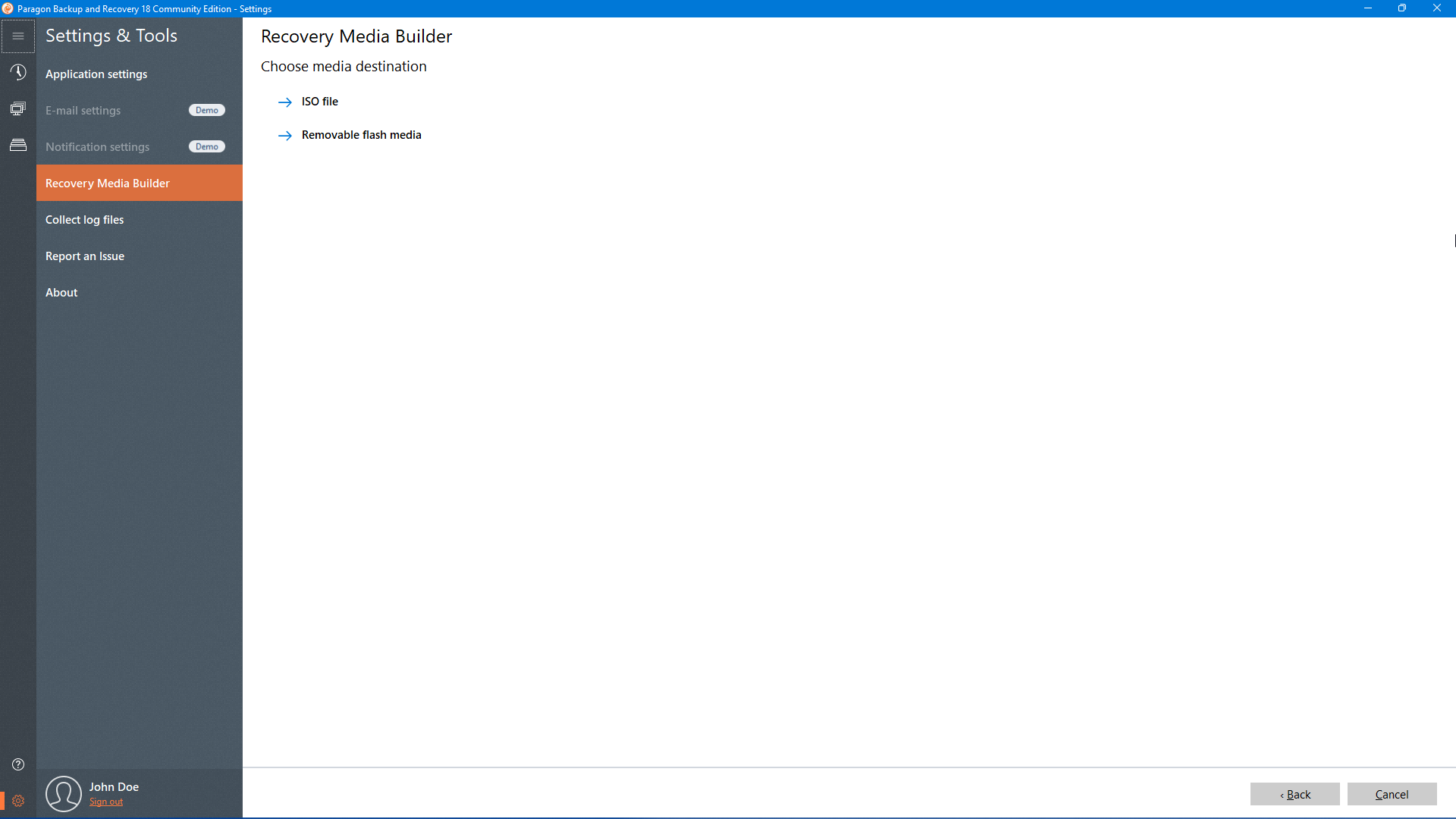
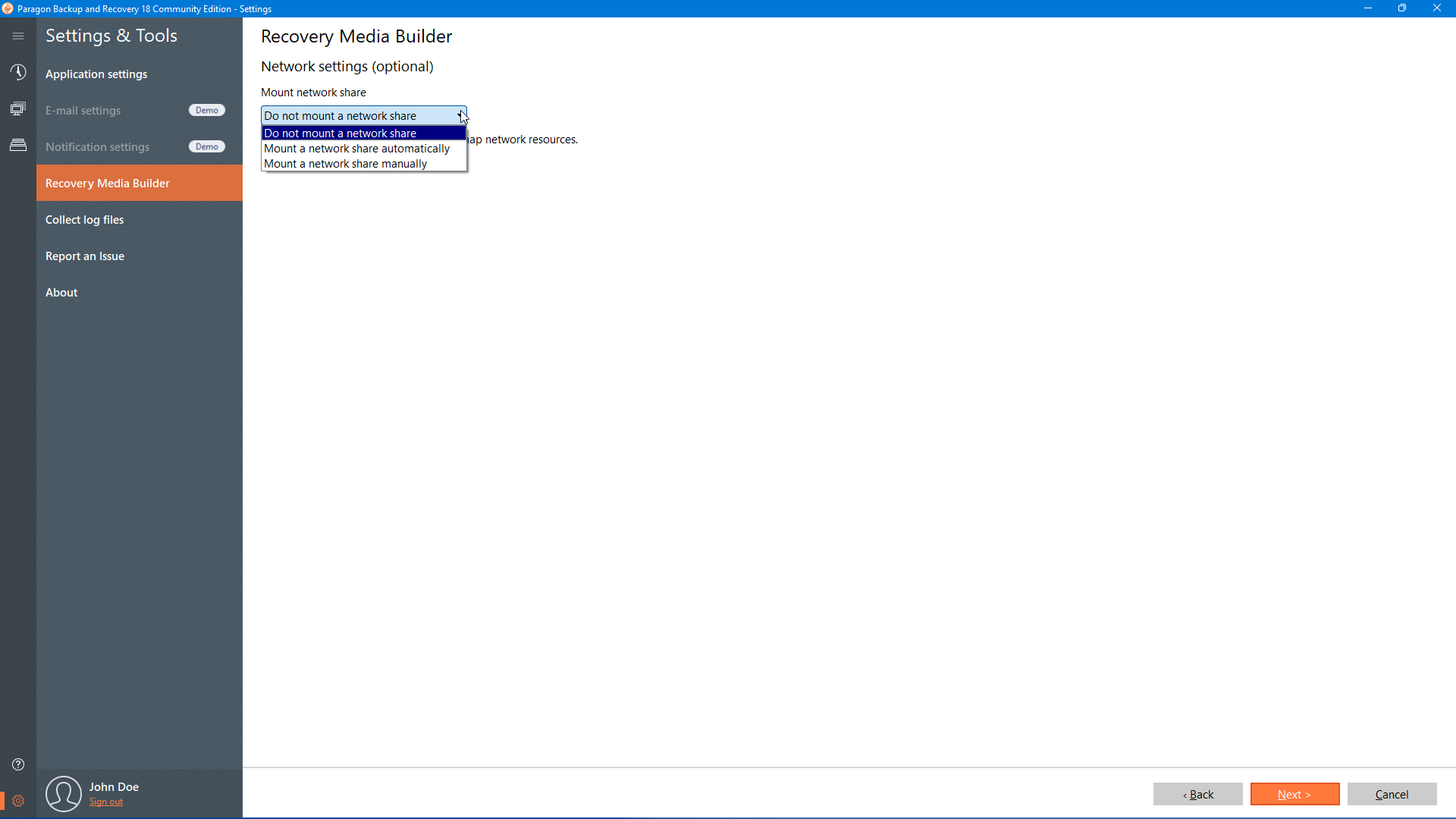
Network Configurator
 Network Configurator Network Configurator. If you've got a DHCP server, a network connection will be set up automatically. If not, provide an IP address, a network mask, default gateway, etc. to use network resources
|
null
|
null
|
null
|
|
|

Trace/Ping Utility
 Trace/Ping Utility Trace/Ping Utility helps to get detailed information on particular routes and measure transit delays of packets across an Internet Protocol (IP) network
|
null
|
null
|
null
|
|
|
|
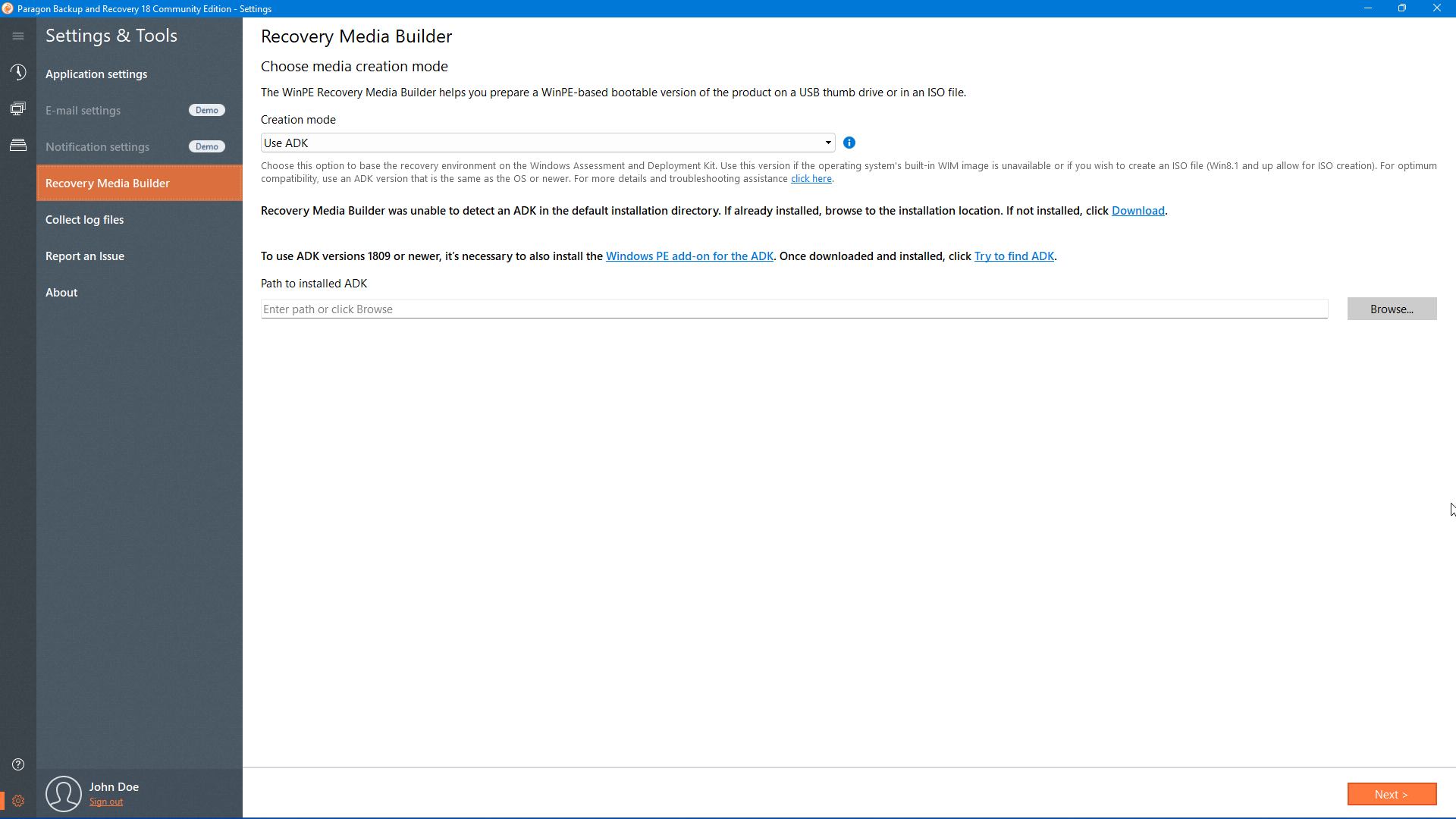
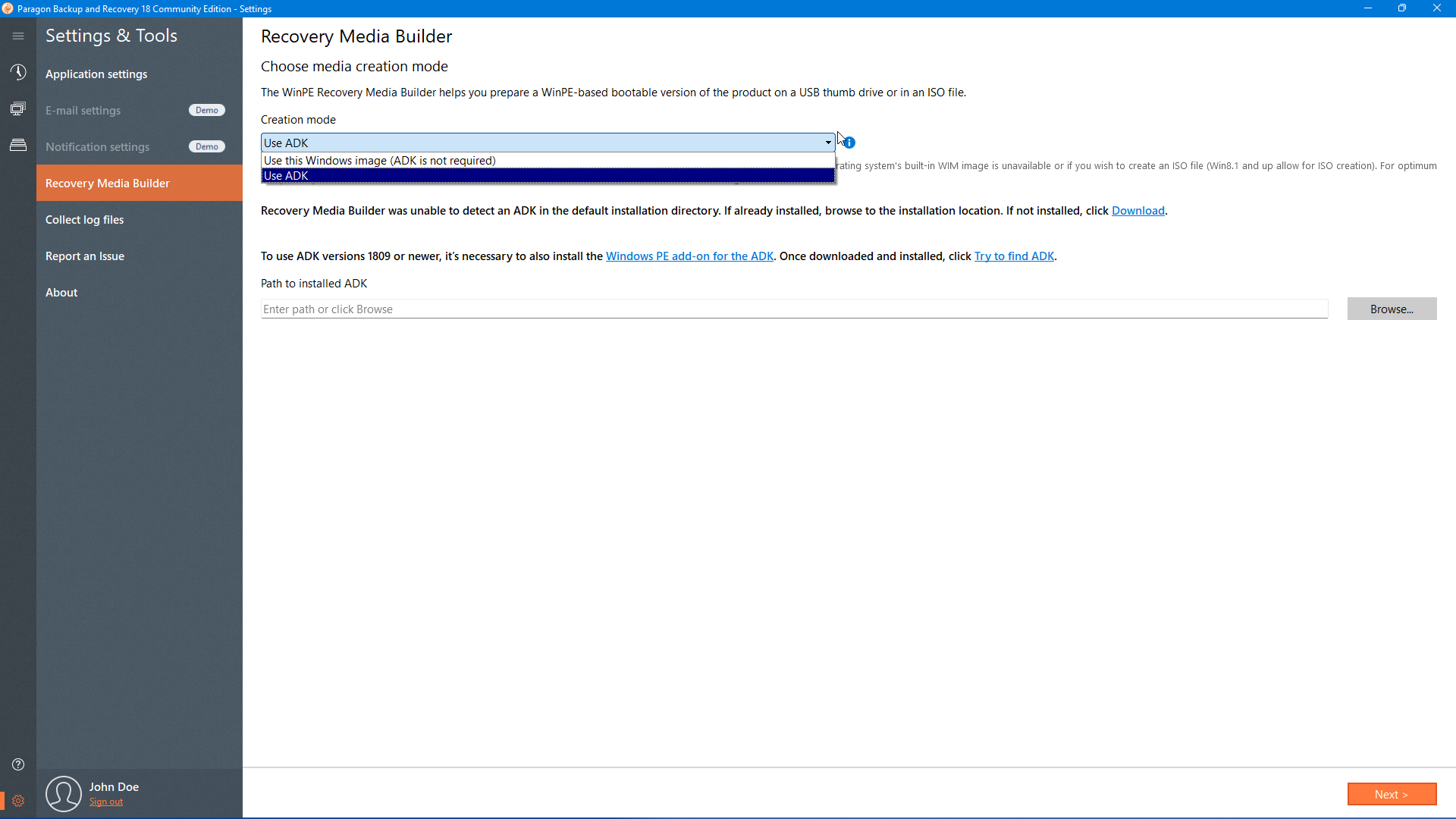
Recovery Media Builder
|

Linux/DOS Based
|
|
|

Boot Corrector
 Boot Corrector Boot Corrector helps to fix most of the system boot problems that can be a result of a human factor, program error or a boot virus activity
|
null
|
null
|
null
|
|
|

Network Configurator
 Network Configurator Network Configurator. If you've got a DHCP server, a network connection will be set up automatically. If not, provide an IP address, a network mask, default gateway, etc. to use network resources
|
null
|
null
|
null
|
|
|
|
Tech Support
|

Complimentary Support by Web/Email
|
null
|
null
|
null
|
|
|

Extended Support by Web/Email/Phone
|
null
|
null
|
null
|
|
|
|
Upgrade Assurance
|
null
|
null
|
null
|
|
|
Available Licenses
|

Single / Volume
|
null
|
null
|
null
|
|
|

Technician*****
|
null
|
null
|
null
|
|
|
Paragon Remote Management
 Paragon Remote Management Paragon Remote Management helps IT administrators effectively manage complex IT environments consisting of multiple, non-collocated servers and workstations. The lastest version is based on a brand-new distributed architecture that allows efficient central agentless protection of hundreds of virtual machines hosted by ESX as well as agent protection of physical computers, including the option to back up MS Exchange on the application level
|
null
|
null
|
null
|
|
Exchange Granular Recovery
 Exchange Granular Recovery Exchange Granular Recovery is a plug-in to Microsoft Outlook 2003/2007 that enables to get transparent access to backup mail databases of MS Exchange Server 2003/2007/2010 through the standard facilities of MS Outlook for easy and fast data recovery at a granular level
|
null
|
null
|
null
|
|
*Automatic Partition Alignment is active during:
- Create
- Move
- Copy With Resize
- Restore With Resize
- Redistribute Free Space (only when the left partition boundary is affected)
- Resize (only when the left partition boundary is affected)
**Limited Support of GPT Disks
- View Layout
- Create Partition
- Format Partition
- Delete Partition
- Move/Resize Partition
- Convert GPT Dynamic Disk
- Copy Partition/HDD
- Back up Partition/HDD
- Restore Partition/HDD
- Wipe Partition
- Compact MFT
- Test Surface
- Check FS
- Edit/View Sectors
***Limited Support of MS Dynamic Disks
- View Layout
- Format Volume
- Back up Volume
- Restore/Restore with Autoresize
- Convert to Basic MBR
- Wipe/Clear Free Space
- Compact MFT
- Test Surface
- Check FS
- Edit/View Sectors
****WinPE Based Environment
- This type of bootable environment can be prepared with Boot Media Builder, but you should have Windows Automated Installation Kit (WAIK) or OEM Preinstallation Kit (OPK) installed in your system.
|