
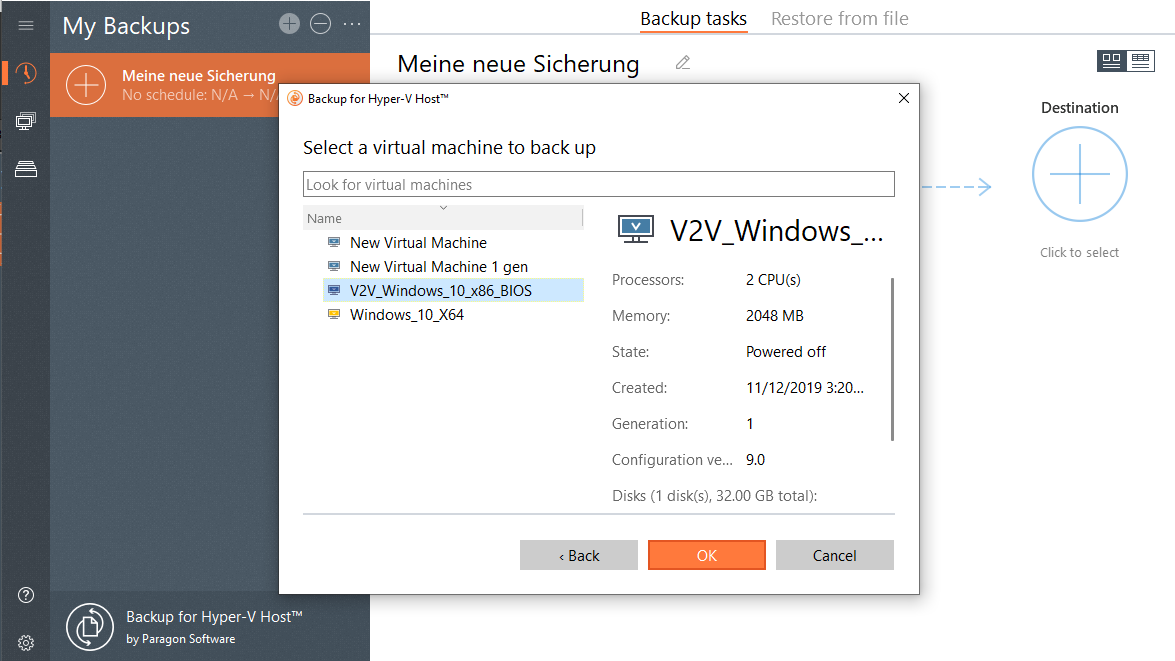
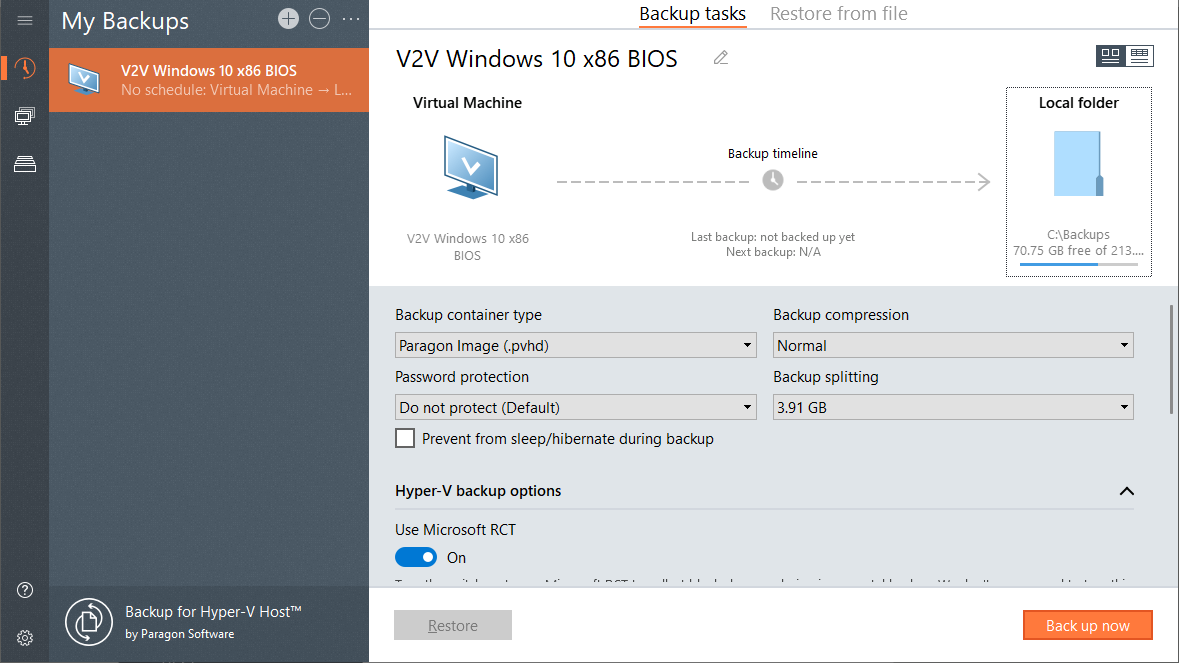
Flexible scheduling mechanism – backup tasks can be scheduled to run every 15 minutes, hourly, daily, weekly, or monthly
Cut storage requirements by up to 80% thanks to incremental imaging, high-level data compression, advanced data exclusion options
Support different backup formats (pVHD, VHD, VHDX, VMDK)
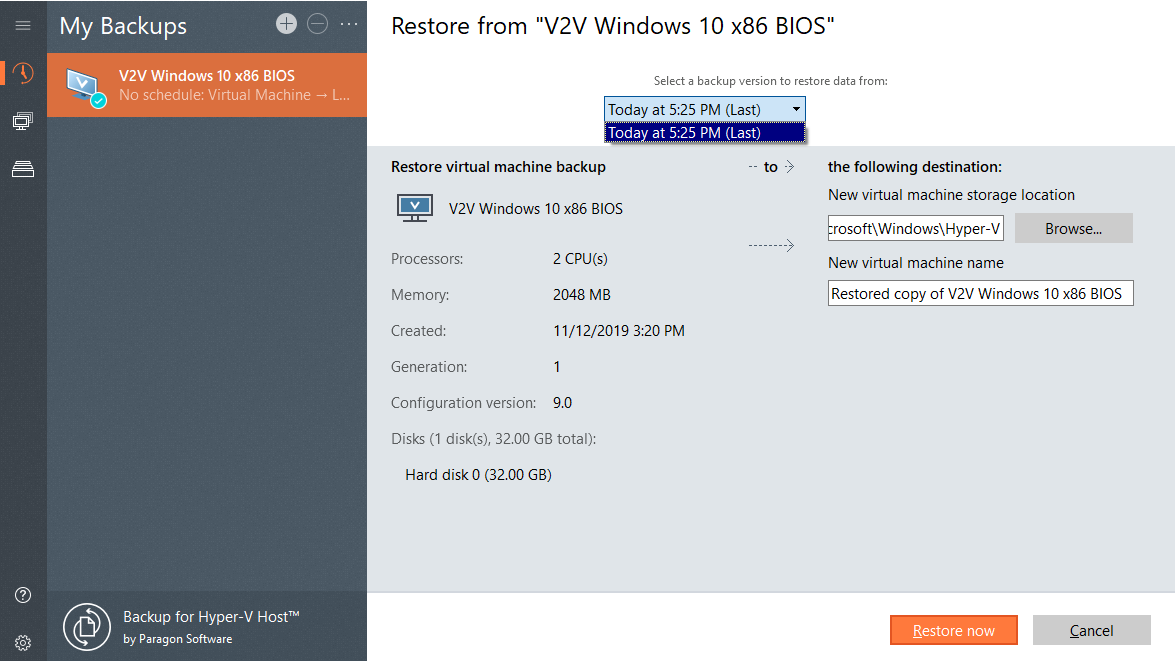
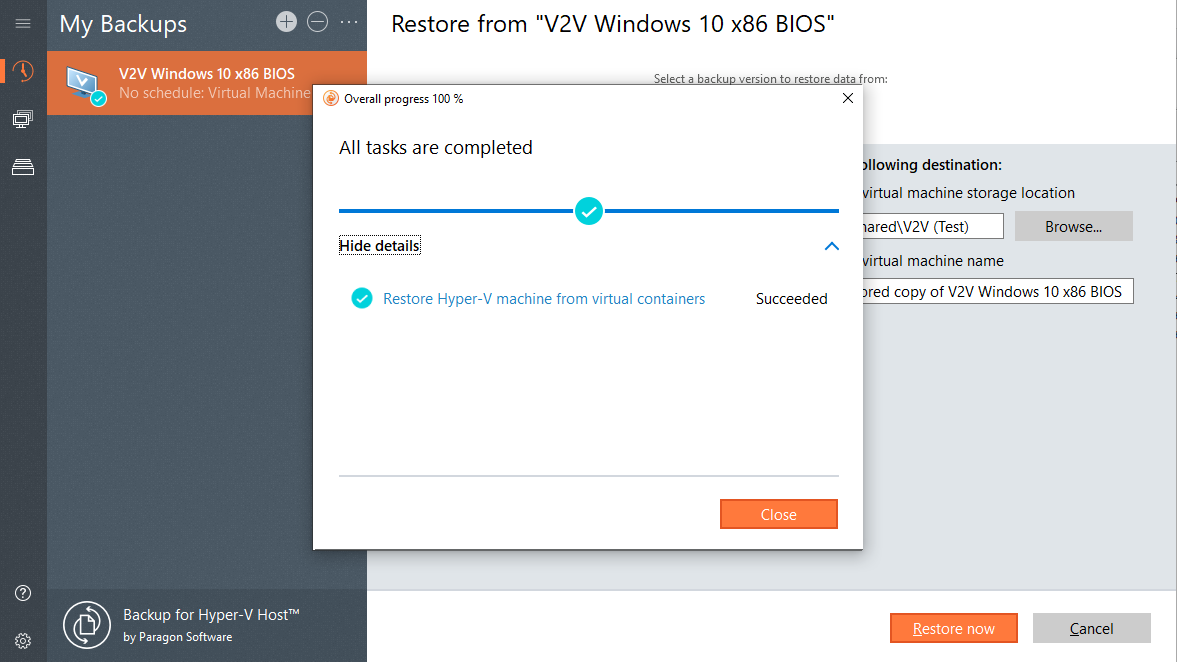
Restores an entire virtual machine to a new or original location in one single operation
Quick-fire migration to Hyper-V

Configure on the fly
Change your VM’s vCPU, vRAM, and network switch connections on the go.

Move only actual data
Move only data actually used by the guest machine, without touching unused disk areas, temporary files, and junks.

Local and remote connection
Connect directly to your Hyper-V host or use a proxy server to access VMware vSphere.
| Community Edition | Hard Disk Manager for Business | |
| Partitioning of Virtual disks | ✓ | ✓ |
| Partitioning of Physical disks | ✕ | ✓ |
| V2V migration | ✓ | ✓ |
| Physical PC migration | ✕ | ✓ |
| Backup & Restore VM | ✓ | ✓ |
| Backup & Restore physical disks, volumes | ✕ | ✓ |
| Wipe data | ✕ | ✓ |
| Mail notifications | ✕ | ✓ |
| Use for | home | commercial |
System requirements
| Supported Operating Systems | |
| |
| Supported hosts | |
|
Contact Sales
If you have questions related to purchasing Backup for Hyper-V Host, click the button below to send us a message.
Submit requestor
Call our Sales team
Global Headquarters (Germany)
For business inquiries only!

 Mon thru Fri
United States Office
For business inquiries only!
 +1-888-347-5462
 Mon thru Fri