This website uses cookies to ensure you get the best experience on our website. By continuing to browse the site, you agree to our use of cookies.

More info ››
Contact sales: 1-888-DISK-IMAGE

1-888-DISK-IMAGE (1-888-347-5462)

Sales North America

+49-761-59018-202

Sales Europe

+81(3)3265-1278

Sales Japan

+7 (495) 789-6717

Sales Russia

Contact sales: 1-888-DISK-IMAGE

1-888-DISK-IMAGE (1-888-347-5462)

Sales North America

+49-761-59018-202

Sales Europe

+81(3)3265-1278

Sales Japan

+7 (495) 789-6717

Sales Russia

Paragon

Partition Manager

Community Edition

Absolutely FREE for personal and home use

Paragon Partition Manager Community Edition. HTML Banner.

Community Edition is available completely free for the non-commercial purpose only.

For commercial use, check out Paragon Hard Disk Manager for Business.

New features

Arm64 CPU Support

Native support for Arm64 architecture

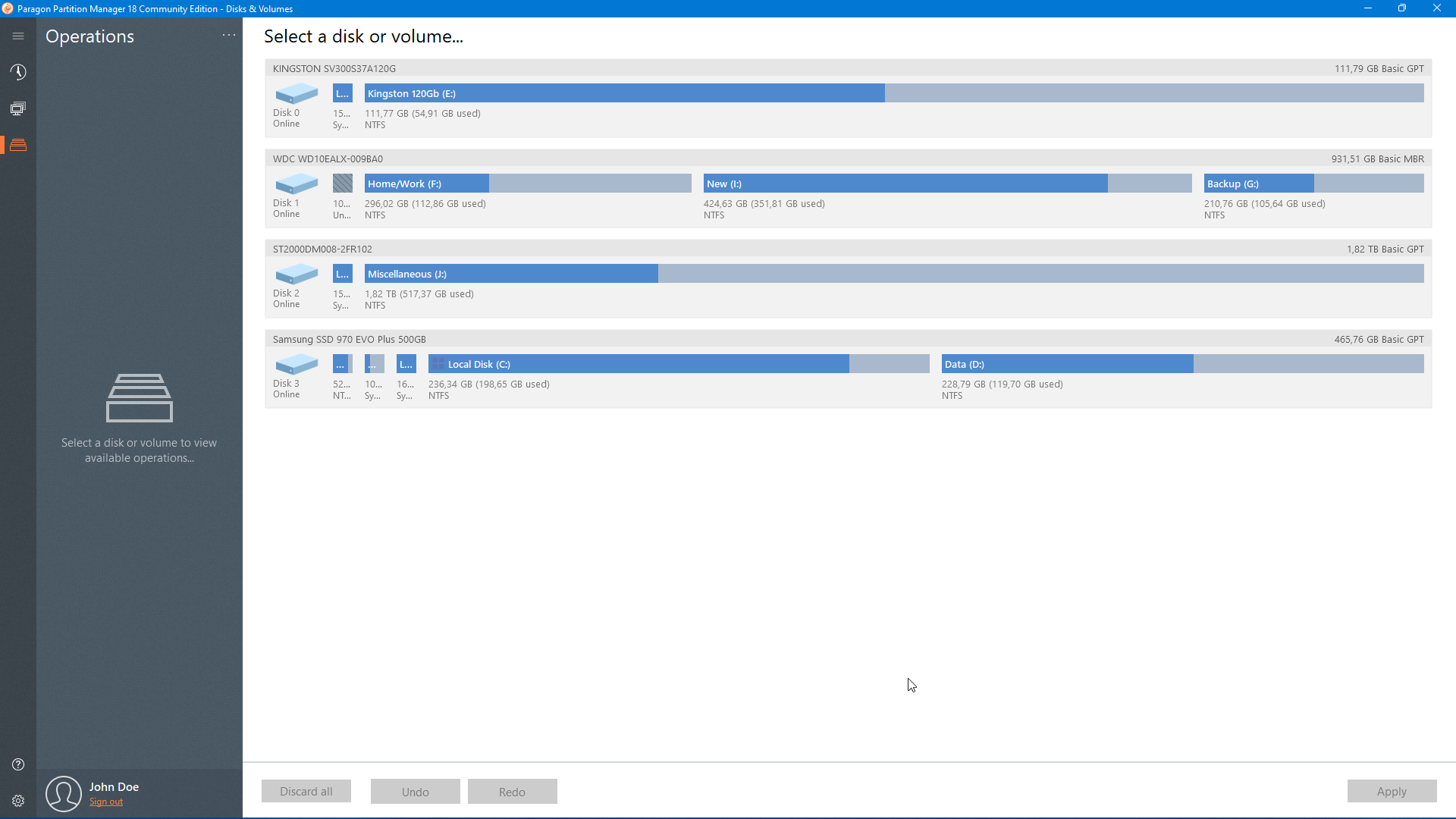
Organize your hard drive and gain additional space in your existing partitions

Features

resize/move partitions

resize/move partitions

Adjust partition size by sliding the partition left and right or enter the exact partition size you want.

Undelete Partitions

Undelete Partitions

You can recover your volumes and the data if you delete partition accidentally

Create/Delete Partitions

Create/Delete Partitions

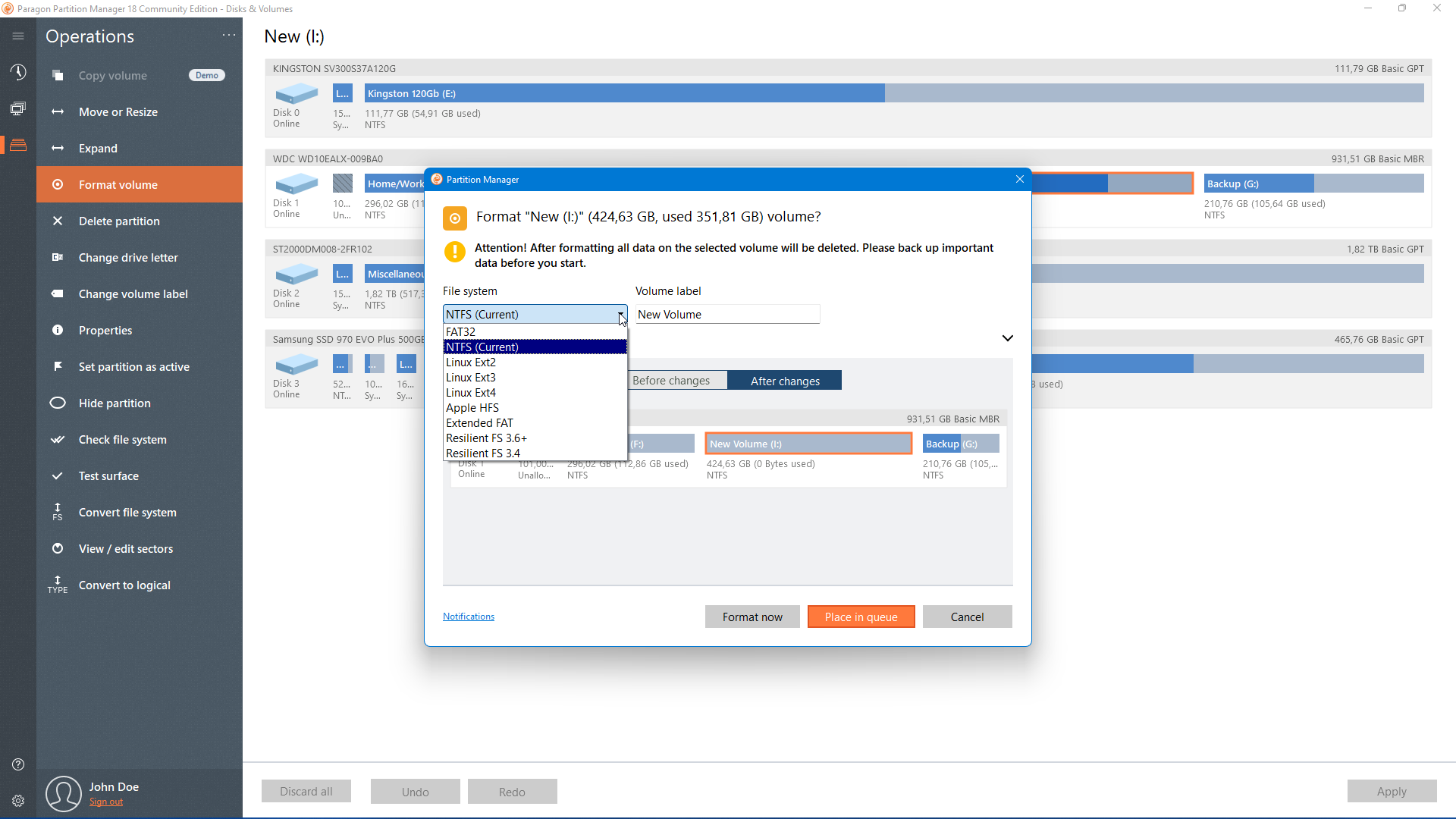
Format your HDD, SSD, USB, memory card, SD card or delete a partition to make it available for reuse

Expand Partitions

Expand Partitions

Redistribute free space using unallocated area and open space on adjacent volumes.

Change label

Change label

Change the label of a partition or a drive letter for improved data organization

Test Surface

Test Surface

Check for errors on selected partitions and fix it.
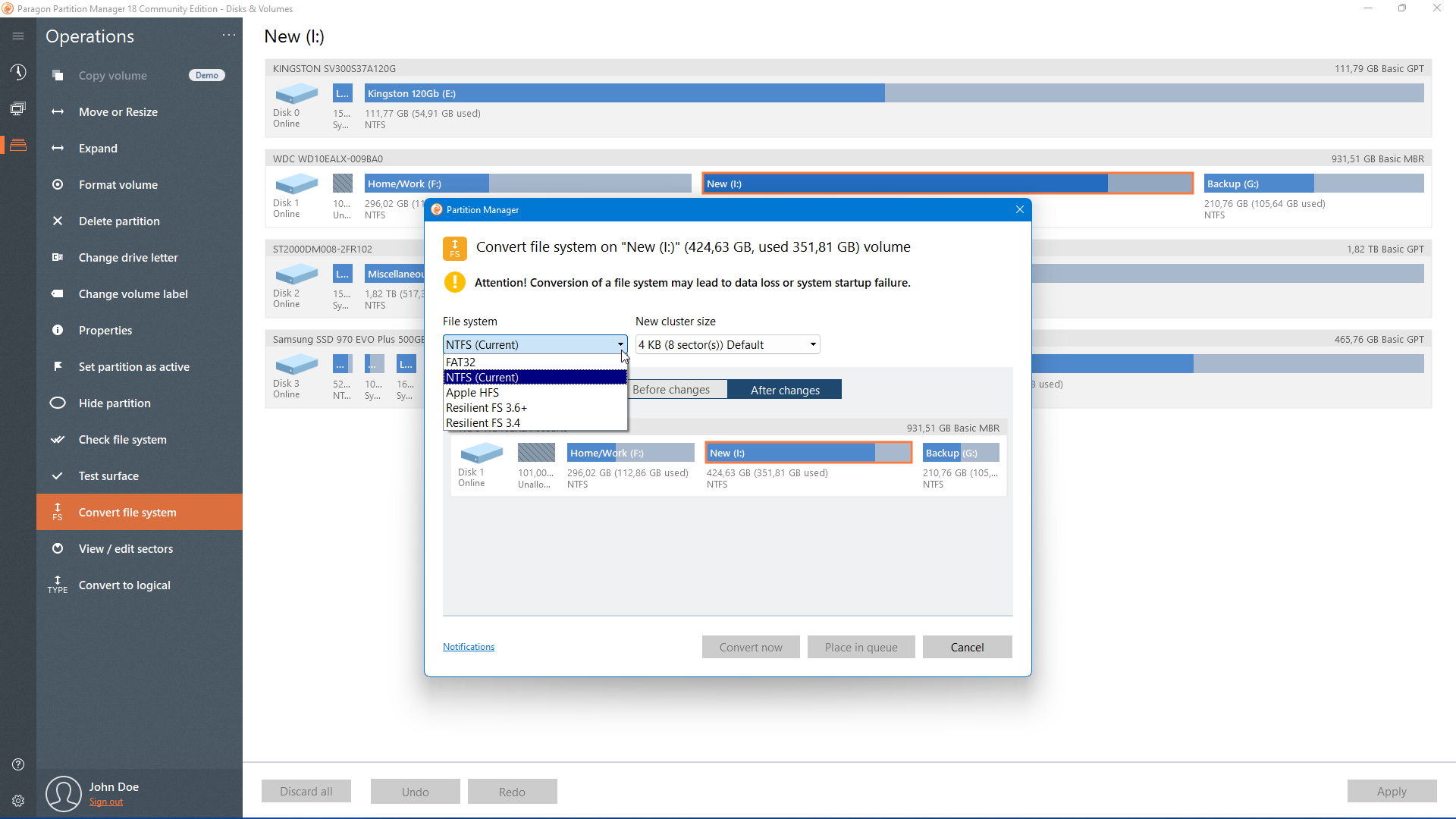
Disk/Partition Conversions

  • Convert a logical partition to primary and vice versa
  • Convert HFS volumes to NTFS without reformatting
  • Convert MBR disk to GPT and vice versa

Edition comparison

Features Community Edition Paragon Hard Disk Manager Advanced Paragon Hard Disk Manager for Business
Resize/format/delete/check partitions
Merge/Split partitions
Support Windows 11, 10
Support Windows Server
WinPE bootable disk
Command line
Convert MBR disk to GPT and vice versa
Undelete volumes
Manage dynamic disks
Backup disks/volumes
Migrate OS
Wipe data
Virtual disk support
Business usage

System requirements

Supported Operating Systems
  • Windows 11 Arm64 editions
  • Windows 10 x64 (1809 and newer), Windows 11 x64
  • Only 64-bit Windows platforms

Supported Computer Bus Interfaces
  • Parallel ATA (Parallel Advanced Technology Attachment)
  • SATA (Serial Advanced Technology Attachment)
  • External SATA (eSATA)
  • All levels of SCSI, IDE and SATA RAID controllers
  • SCSI (Small Computer System Interface)
  • USB (Universal Serial Bus) 1.x/2.0/3.0
  • IEEE 1394 (FireWire)
  • All types of RAIDs (hardware and software)
  • PC or PCMCIA Card (Personal Computer Memory Card International Association)
Supported Storage
  • Storage Spaces Support
  • AFD (Advanced Format Drive)
  • Non-512B sector size drives
  • SSD and HDD
  • Any common optical disk device
Supported File Systems
  • NTFS (v1.2, v3.0, v3.1)
  • FAT32
  • Ext2, 3, 4
  • ReiserFS (v. 1, 2. Only view. All other operations in 1:1 mode)
  • Linux Swap
  • HPFS (Only view. All other operations in 1:1 mode)
  • Apple HFS+
  • B-tree FS (Btrfs)
  • Extents FS (XFS)
Hardware Requirements
  • 1 GHz or faster 64-bit (x64 or Arm64) processor
  • 2 GB+ RAM
  • Hard Disk Drive with 800 MB of available space
  • SVGA video adapter and monitor
  • Open ports in Firewall: inbound and outbound 80, 443
  • Network card to send/retrieve data to/from a network computer (internet connection)

Download

Select the installation package that matches your operating system type. You can check this by opening About your PC from Windows Search and look for x64-based processor or ARM-based processor.

Application UI version 18.20.0

Spelling error report

The following text will be sent to our editors: