

Community Edition is available completely free for the non-commercial purpose only.
For commercial use, check out Paragon Hard Disk Manager for Business.
Arm64 CPU Support
Native support for Arm64 architecture
Sync with User Account
Now you can securely synchronize your device’s system information and backup jobs with your Personal Dashboard. Monitor your devices protection state in one place.
Everything you may need to quickly backup and recover your data or entire system on the spot, whether its to ensure the integrity and consistency of valuable information, or just to be on the safe side during service and maintenance.
Set up automated backups quickly
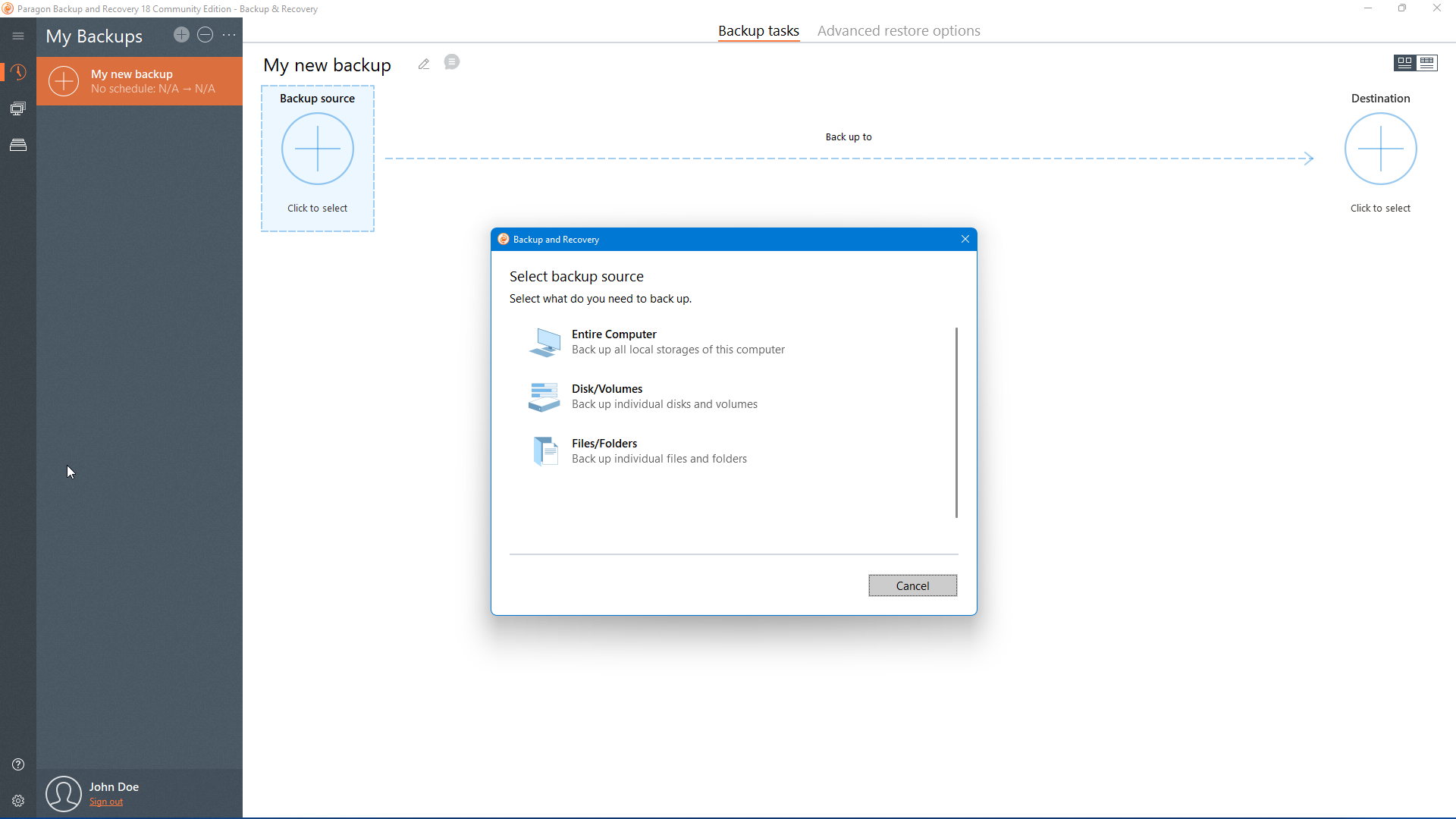
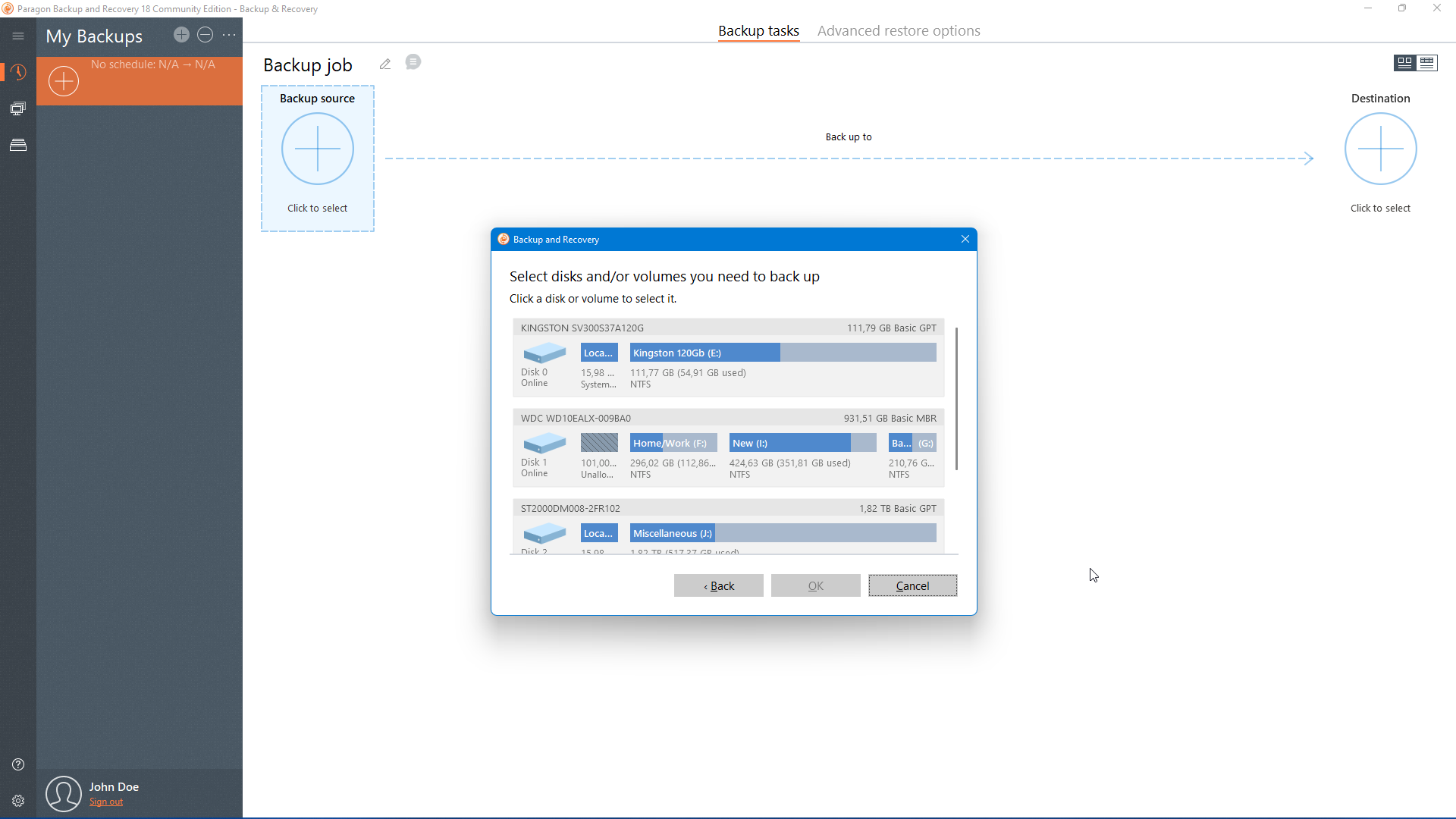
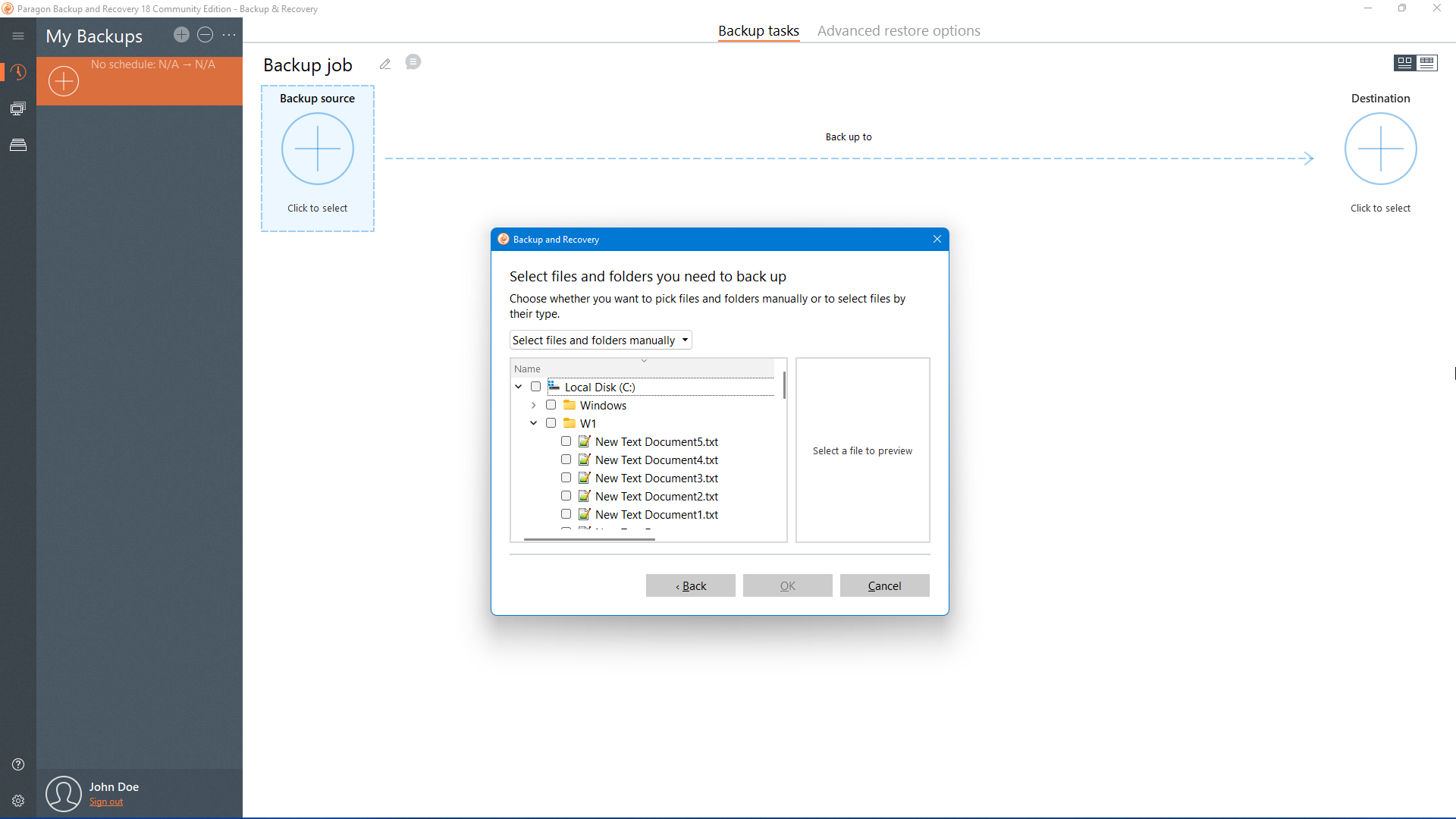
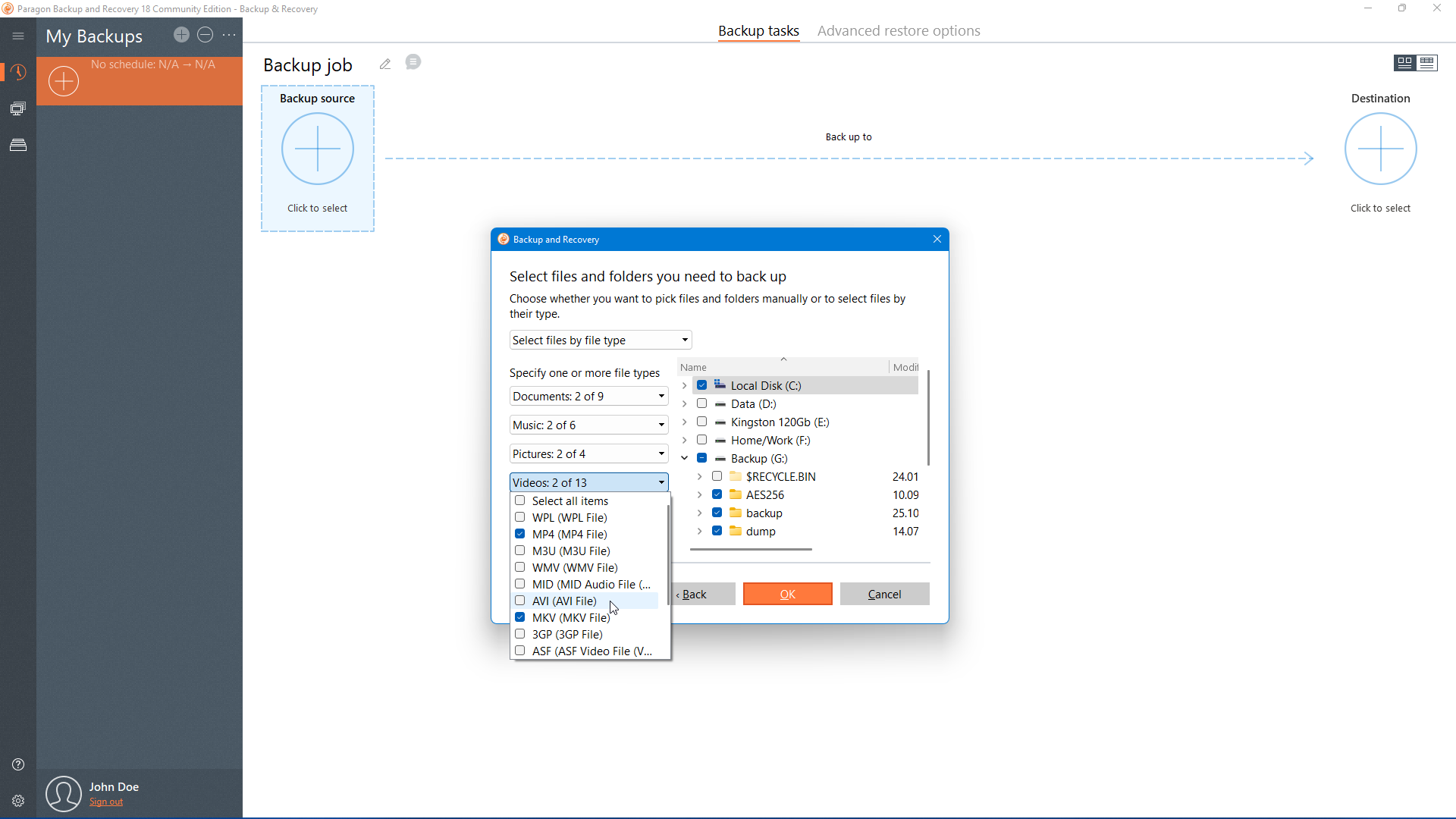
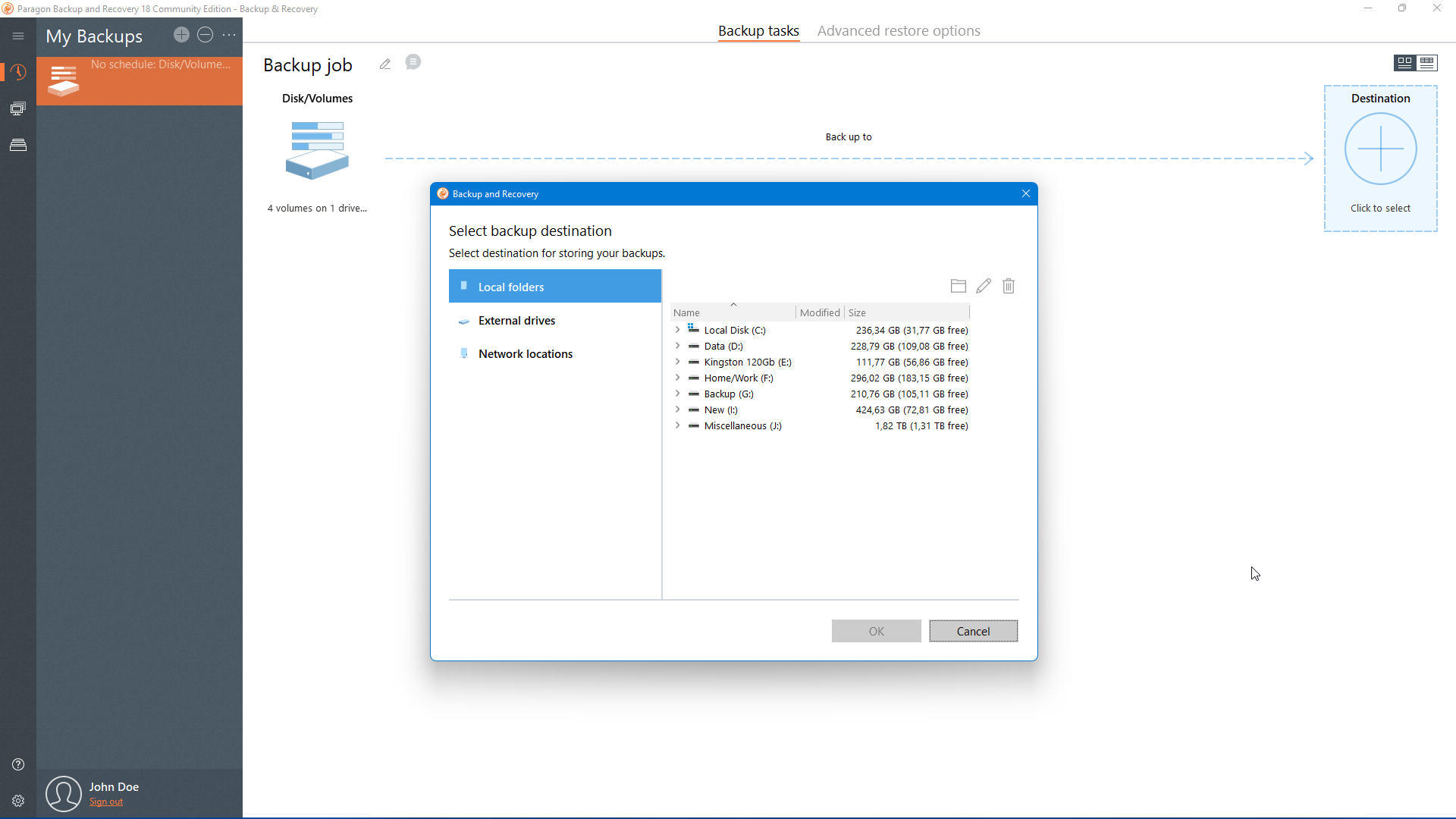
You can back up files, volumes and disks entirely or pick one at a time. Select the OS partition and the boot partition will be backed up automatically. If your operating system crashes, you can easily recover it.
Adjust backup scenarios
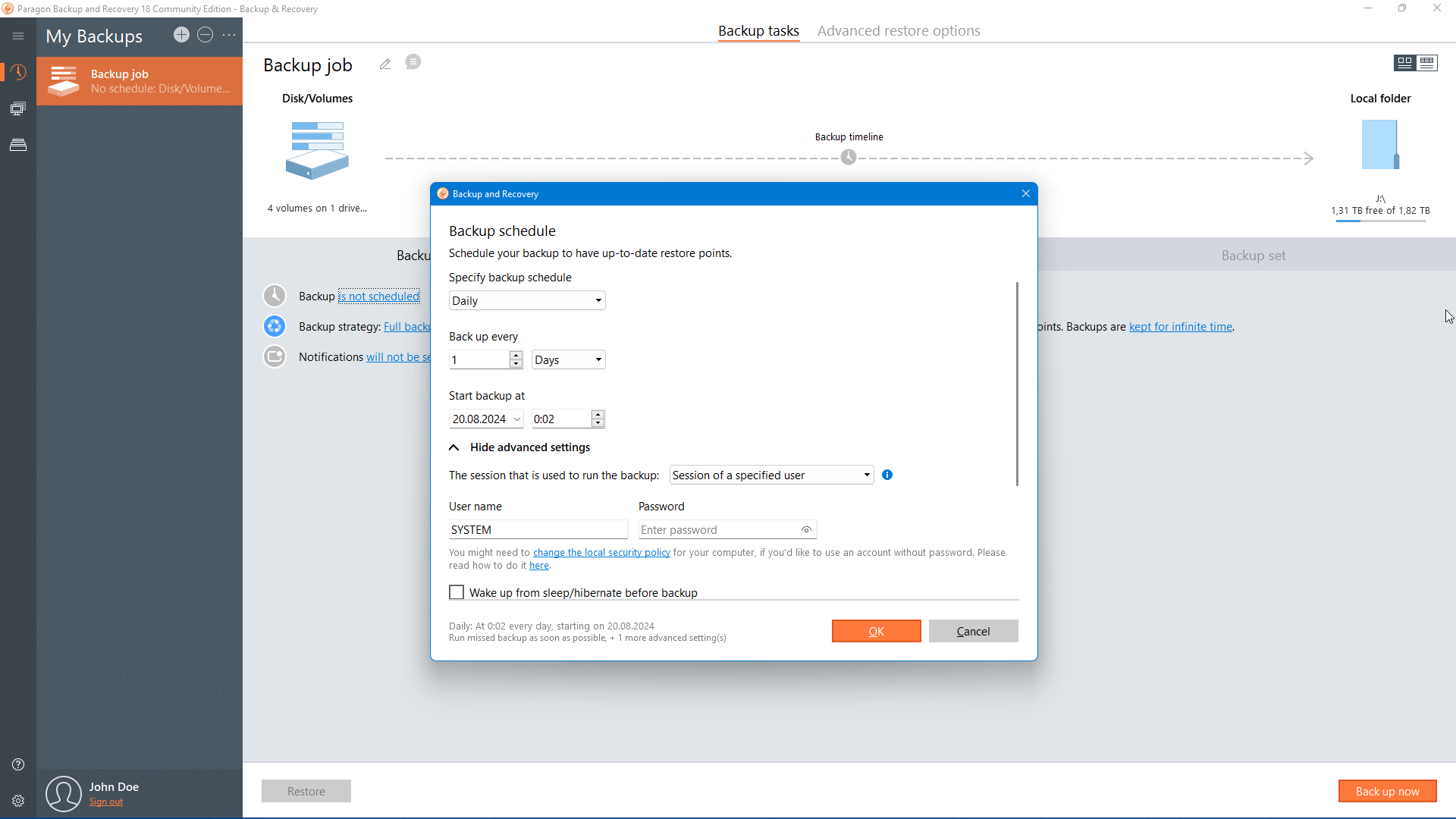
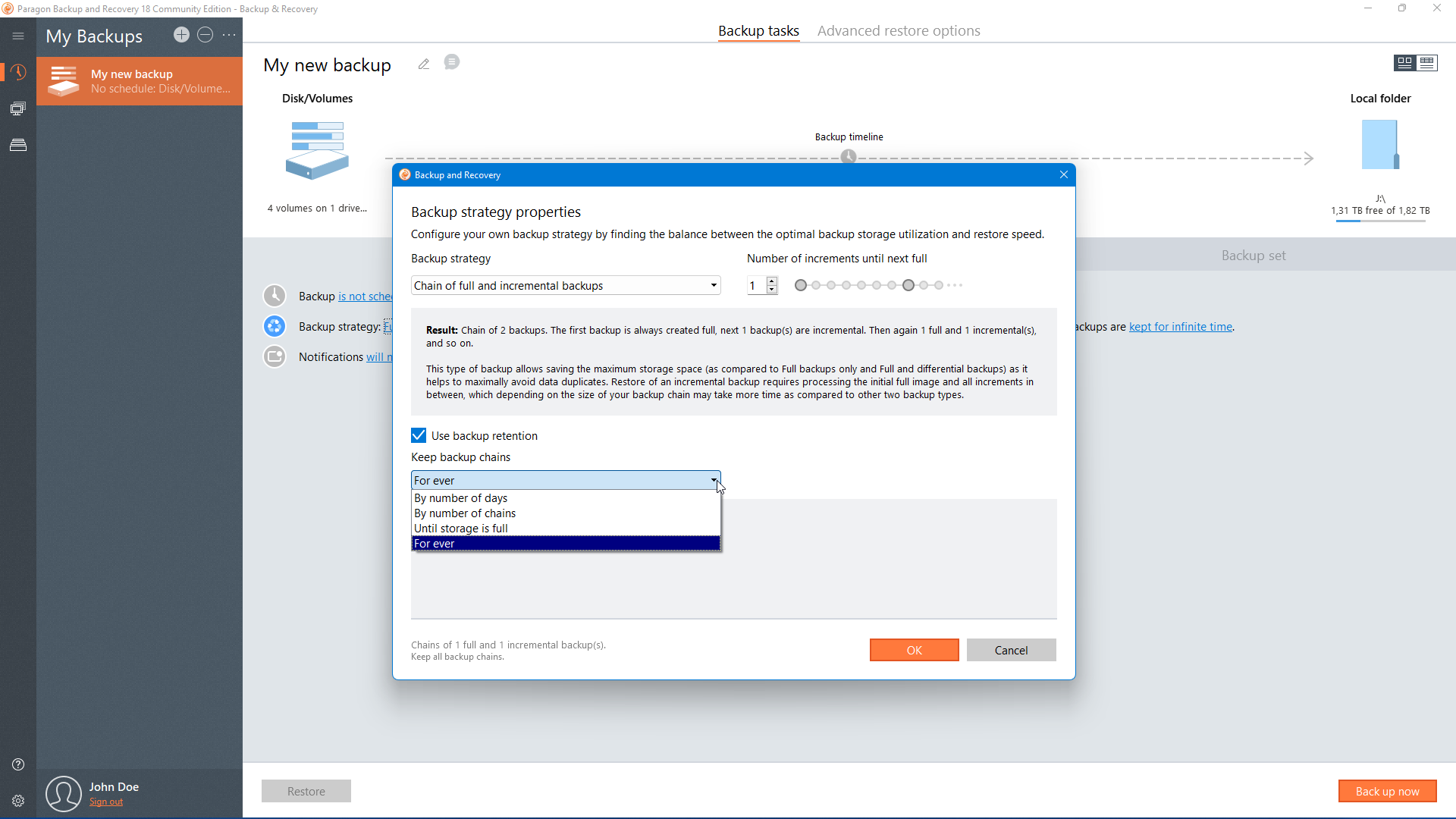
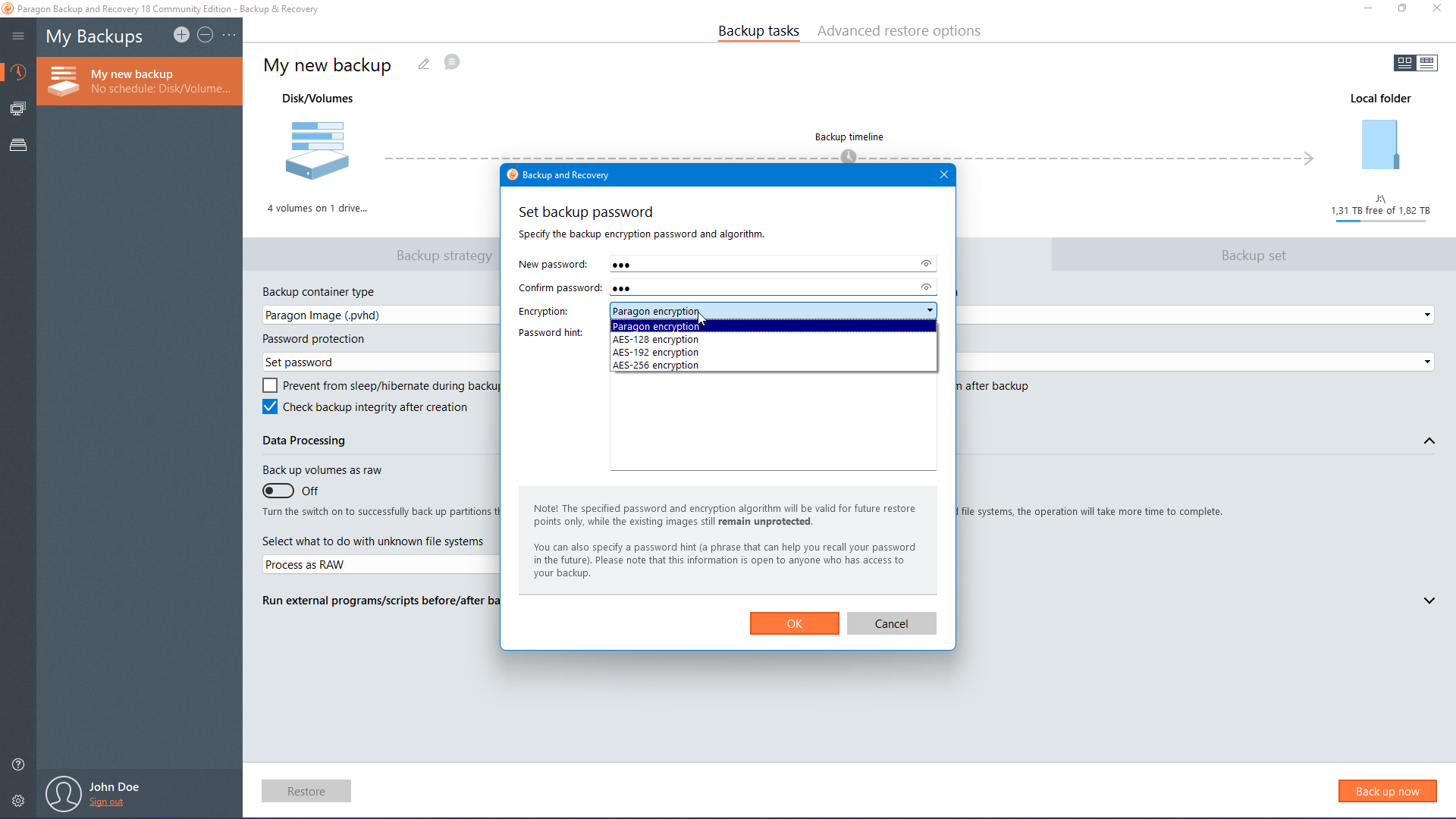
Define new strategies with custom backup parameters: backup type, frequency/scheduling, retention, scenario-based backup jobs to select “what” and “where”

Backup schedule
Set the rules for backups kick-off

Disk Space Management
Automatically delete old backup images based on specified value

Version Control
Manage your backups and recover what you need
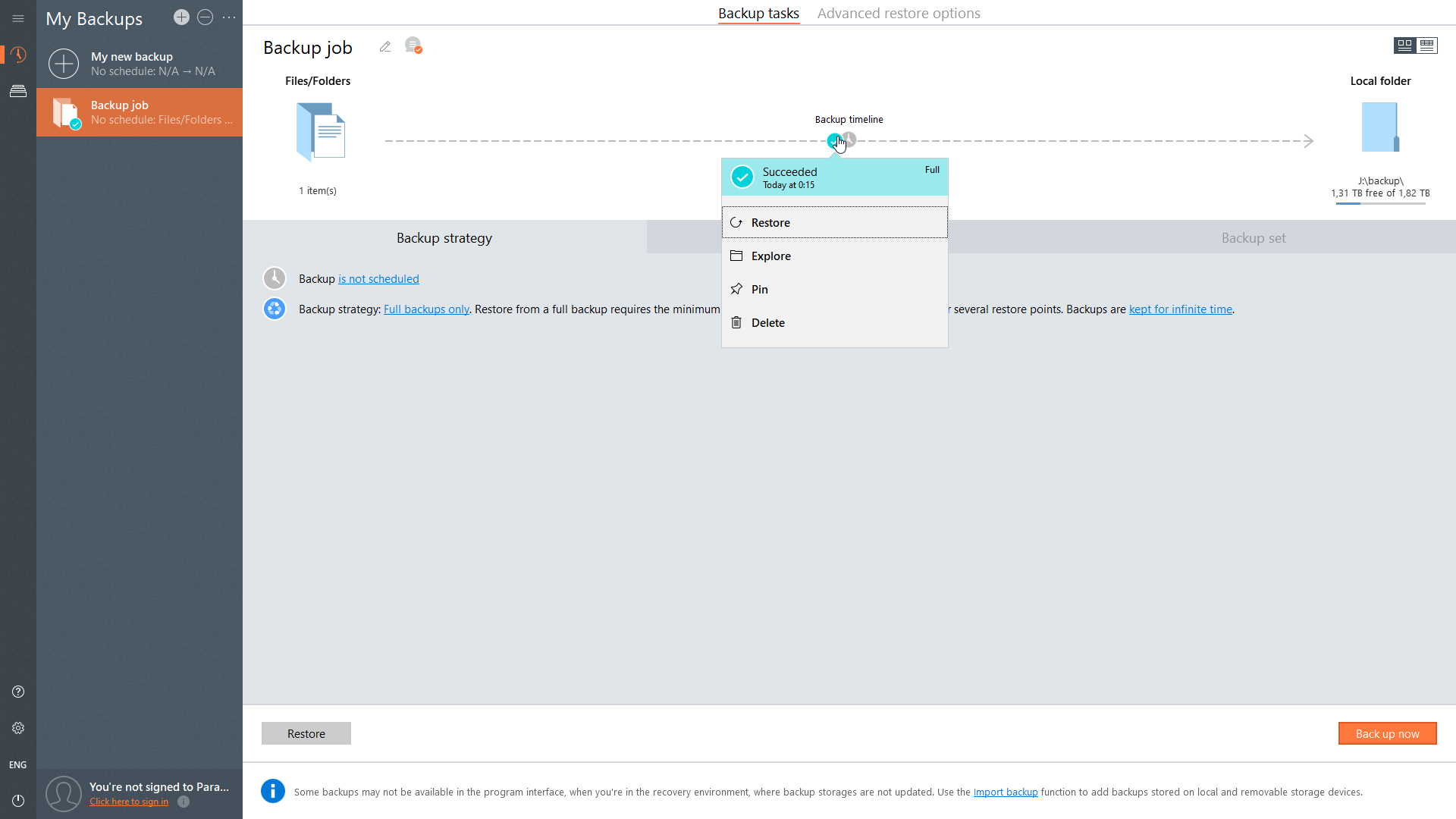
Explore your copies
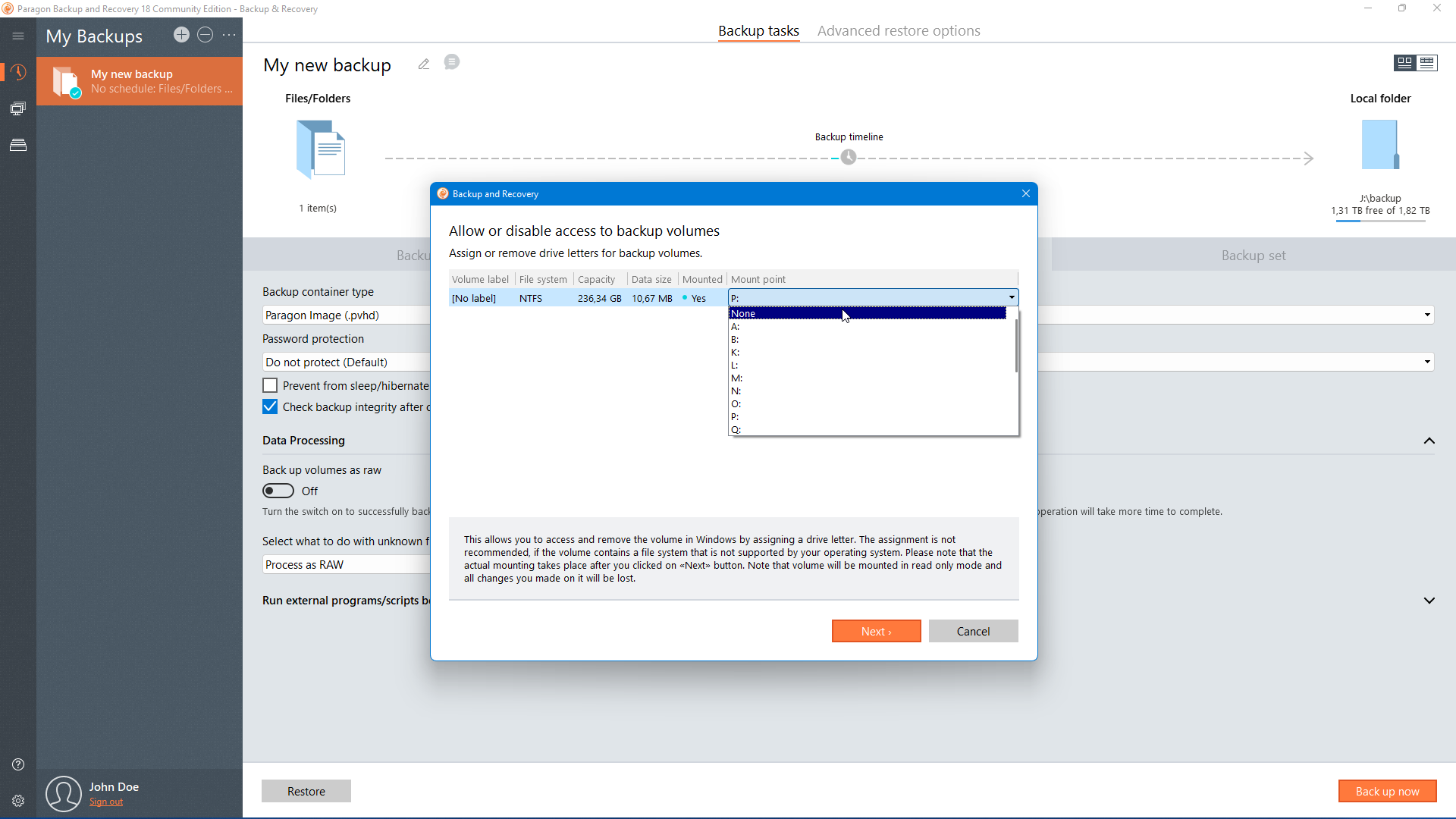
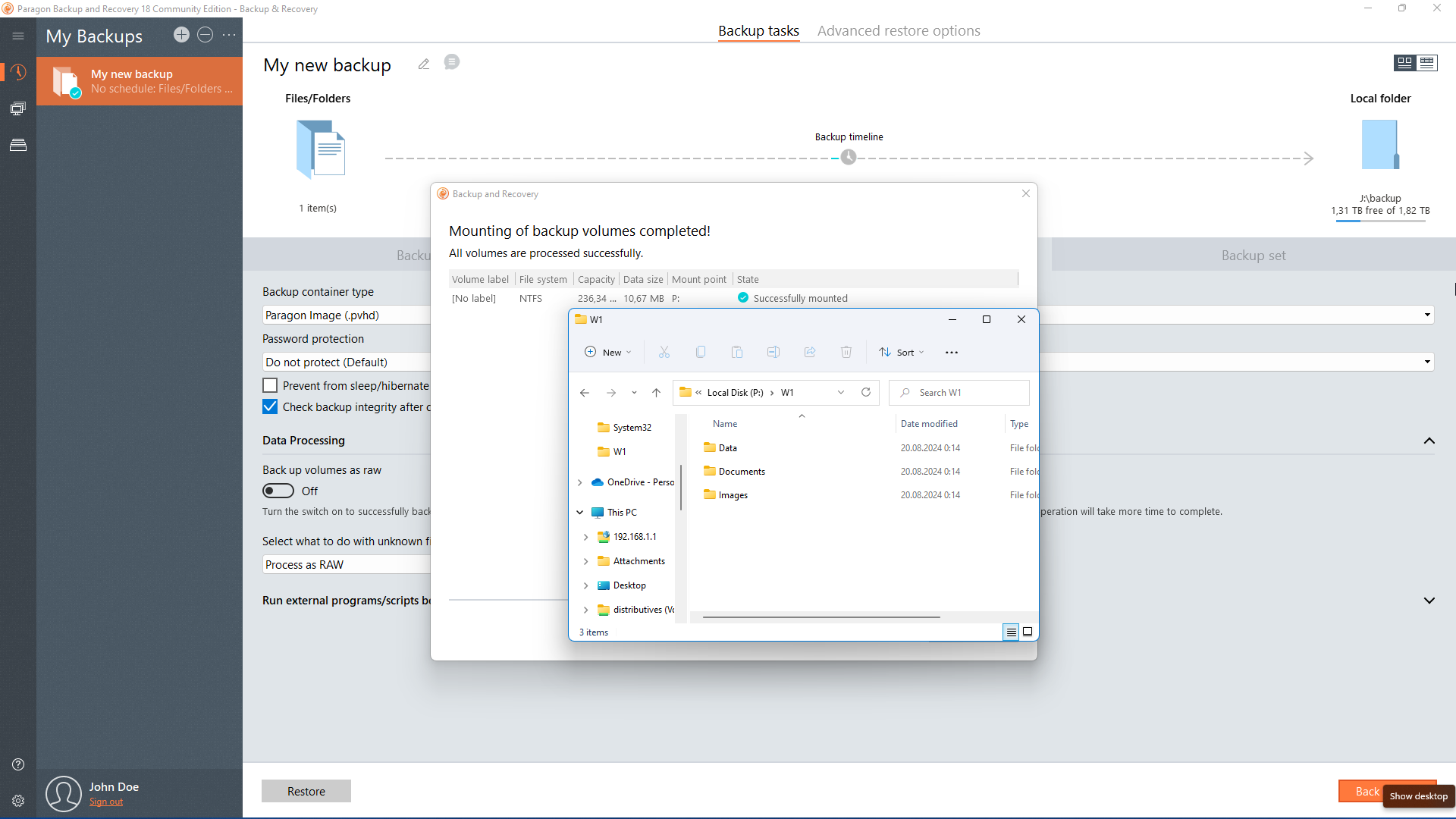
Mount archives by setting a drive letter. Browse them like regular disks on the computer and recover separate files.
Recovery in WinPE
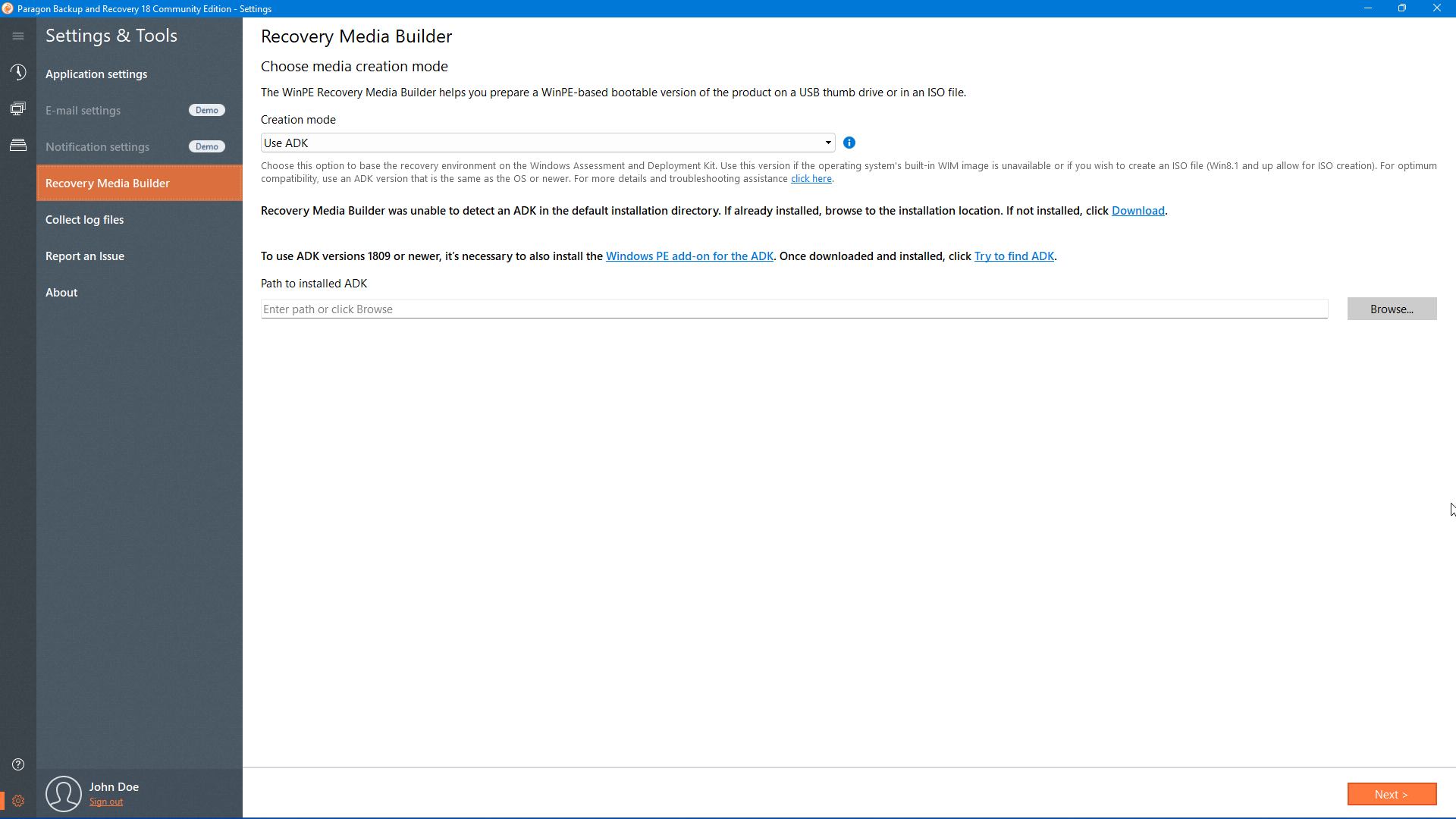
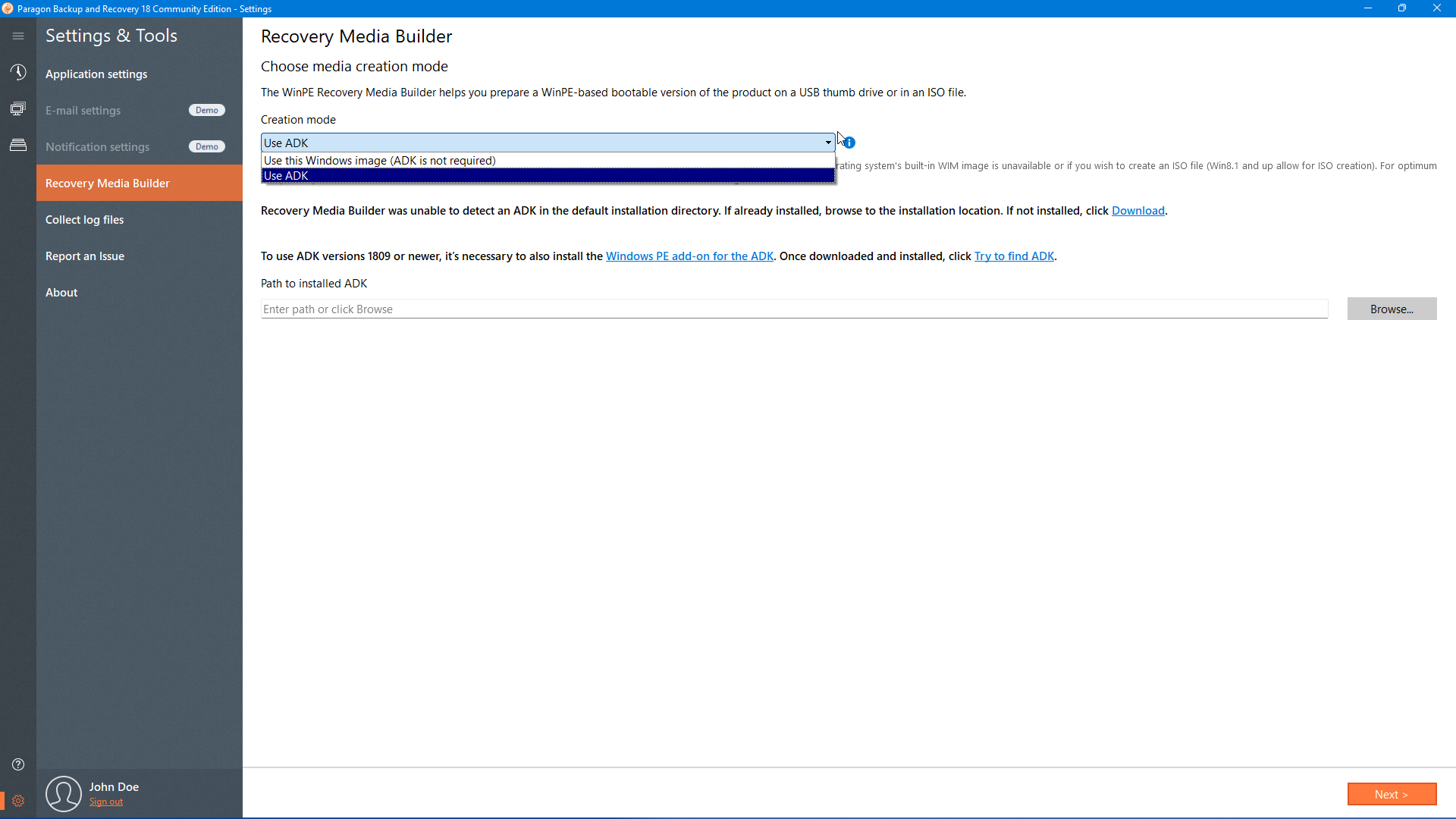
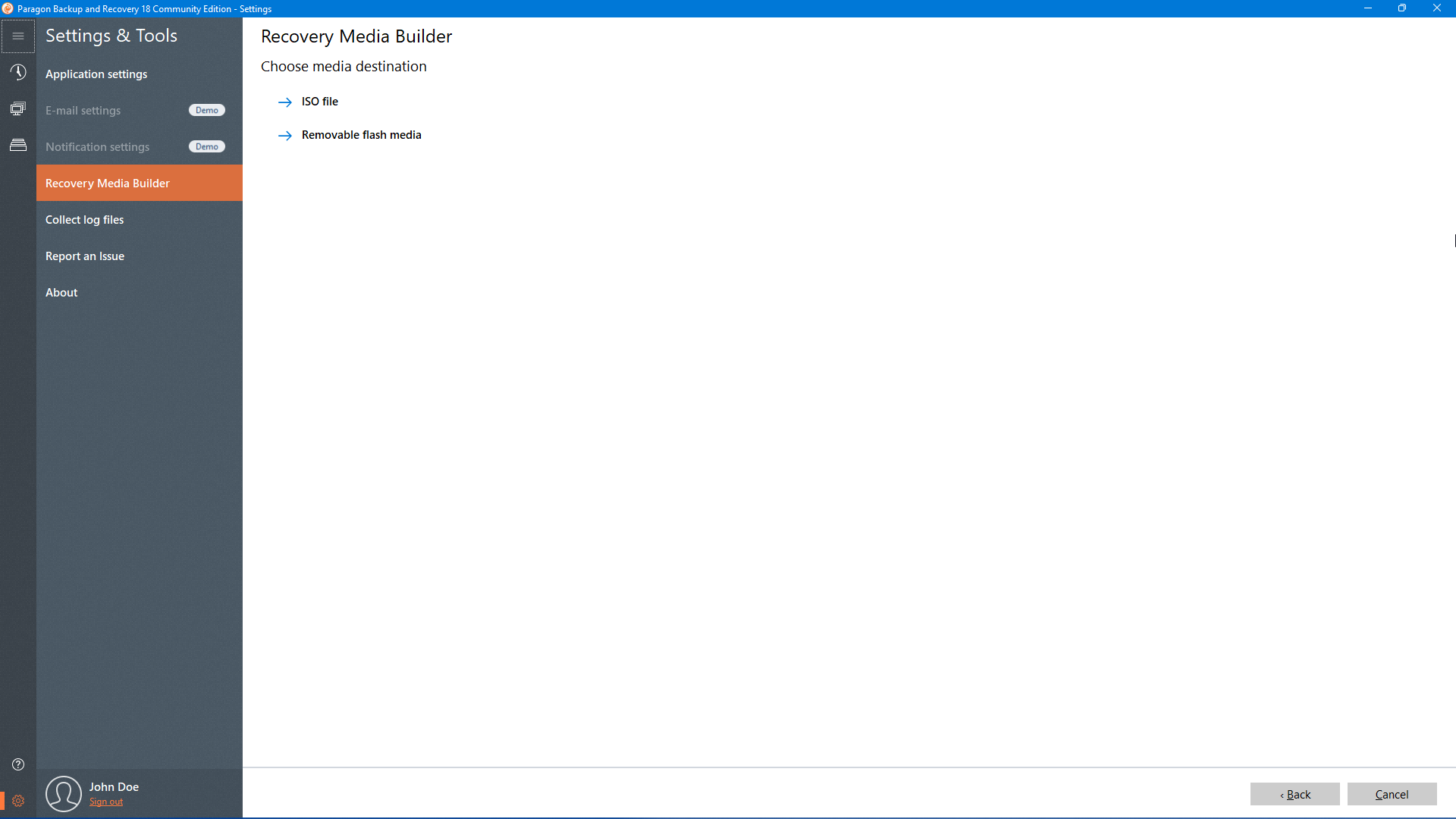
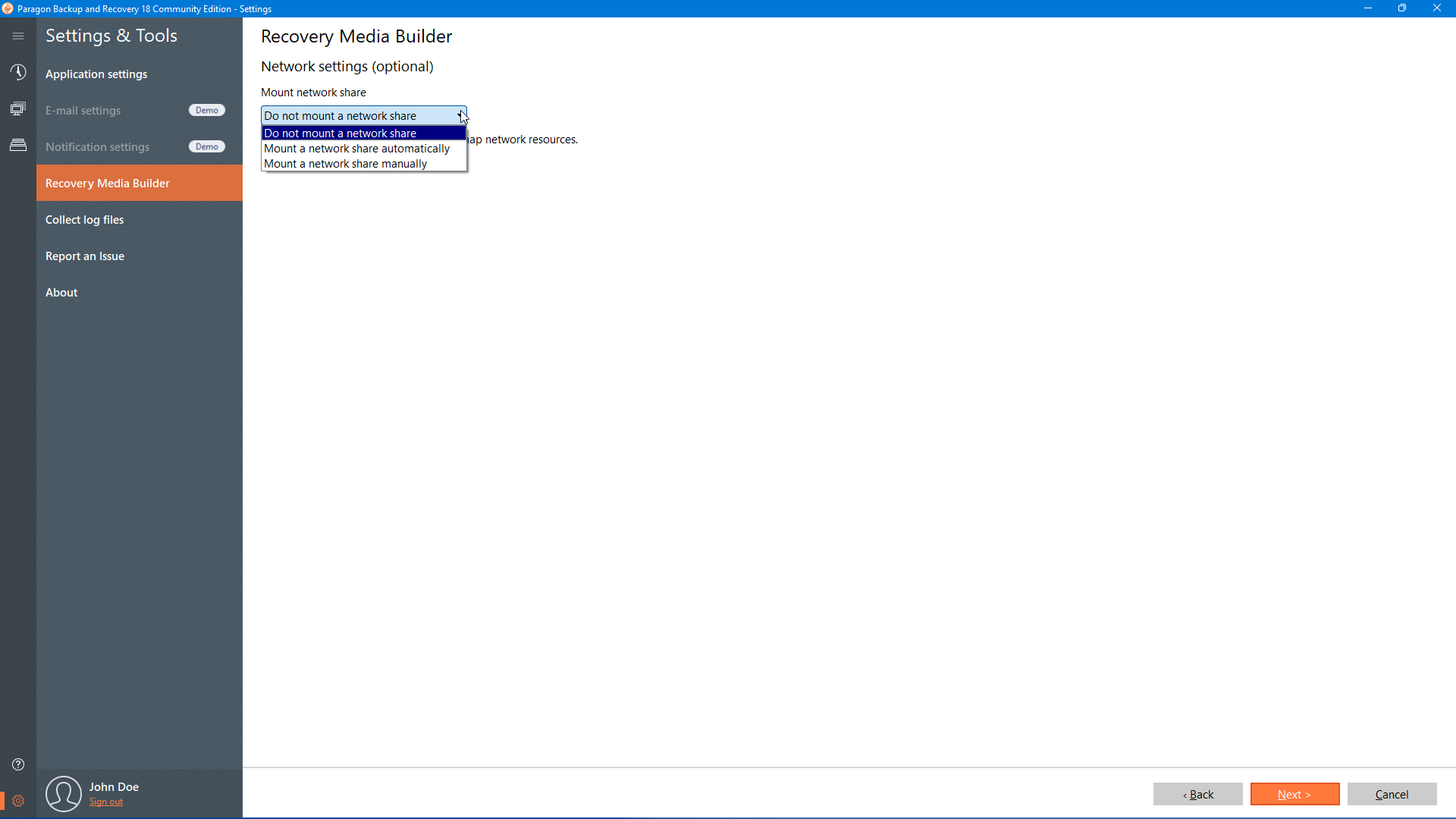
In case your operating system becomes damaged or corrupted, you’ll be able to boot the system from a bootable USB stick to restore your entire system including the OS, installed programs, user settings and data, all within WinPE environment.
Edition comparison
| Community edition | Paragon Hard Disk Manager Advanced | Paragon Hard Disk Manager for Business | |
| License type | personal | personal | commercial |
| Backup disks, OS, files and folders | ✓ | ✓ | ✓ |
| Archive image compression and format (incl. vmdk, vhd, vhdx) | ✓ | ✓ | ✓ |
| Copy volumes, OS | ✕ | ✓ | ✓ |
| Windows server support | ✕ | ✕ | ✓ |
| Email-notifications by in-product smtp client | ✕ | ✓ | ✓ |
| Manage partitions and disks | ✕ | ✓ | ✓ |
| Other features | Advanced restore options, scheduled backups, backup/restore under WinPE | Includes all features of CE and much more | Includes all features of CE, Advanced and more |
System requirements
| Supported Operating Systems | |
| |
| Supported Computer Bus Interfaces | |
| |
| Supported Storage | |
| |
| Supported File Systems | |
| |
| Hardware Requirements | |
| |
| Additional Requirements | |
|
Download
Select the installation package that matches your operating system type. You can check this by opening About your PC from Windows Search and look for x64-based processor or ARM-based processor.
Application version 18.15.0