
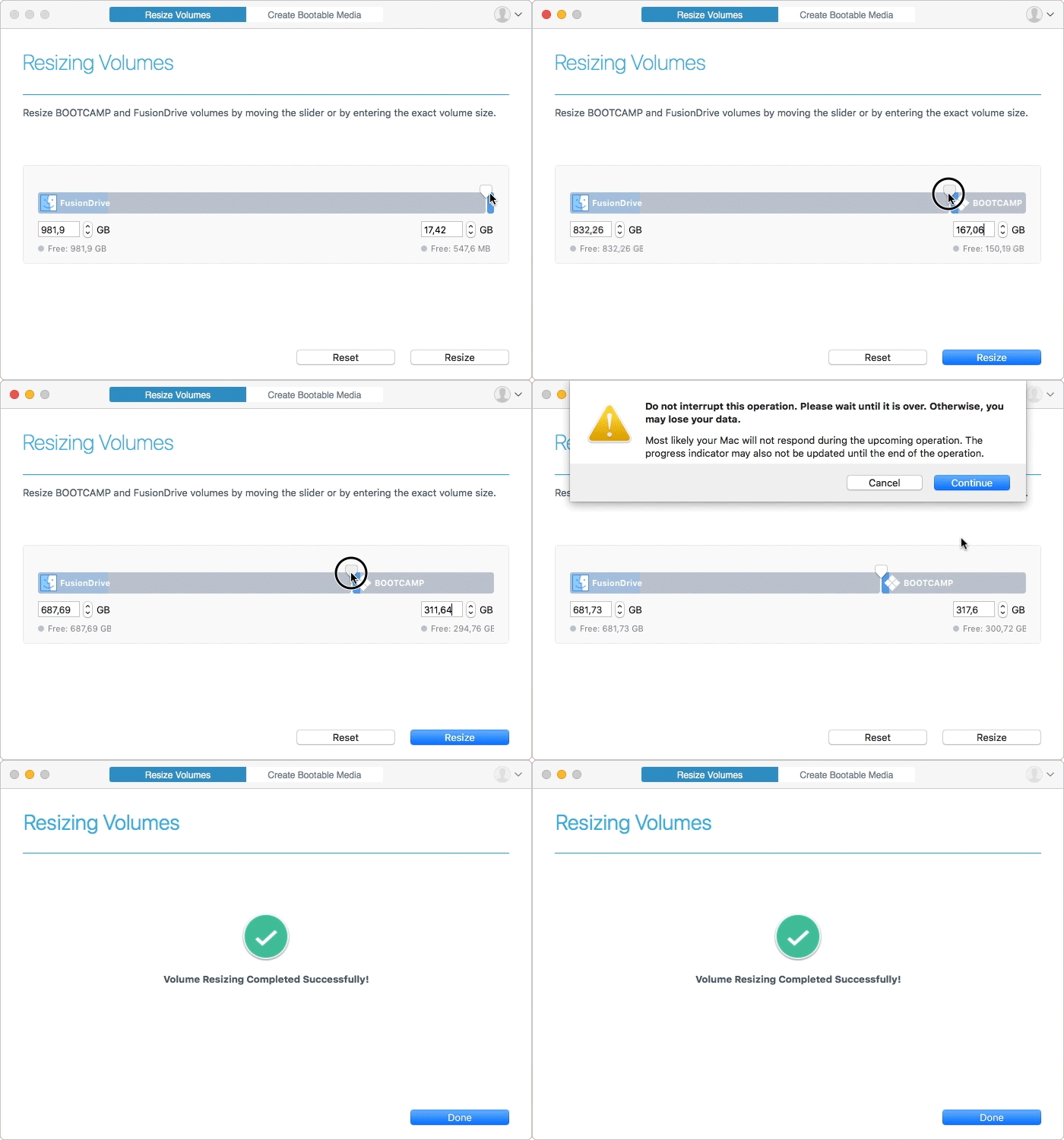
How it Works
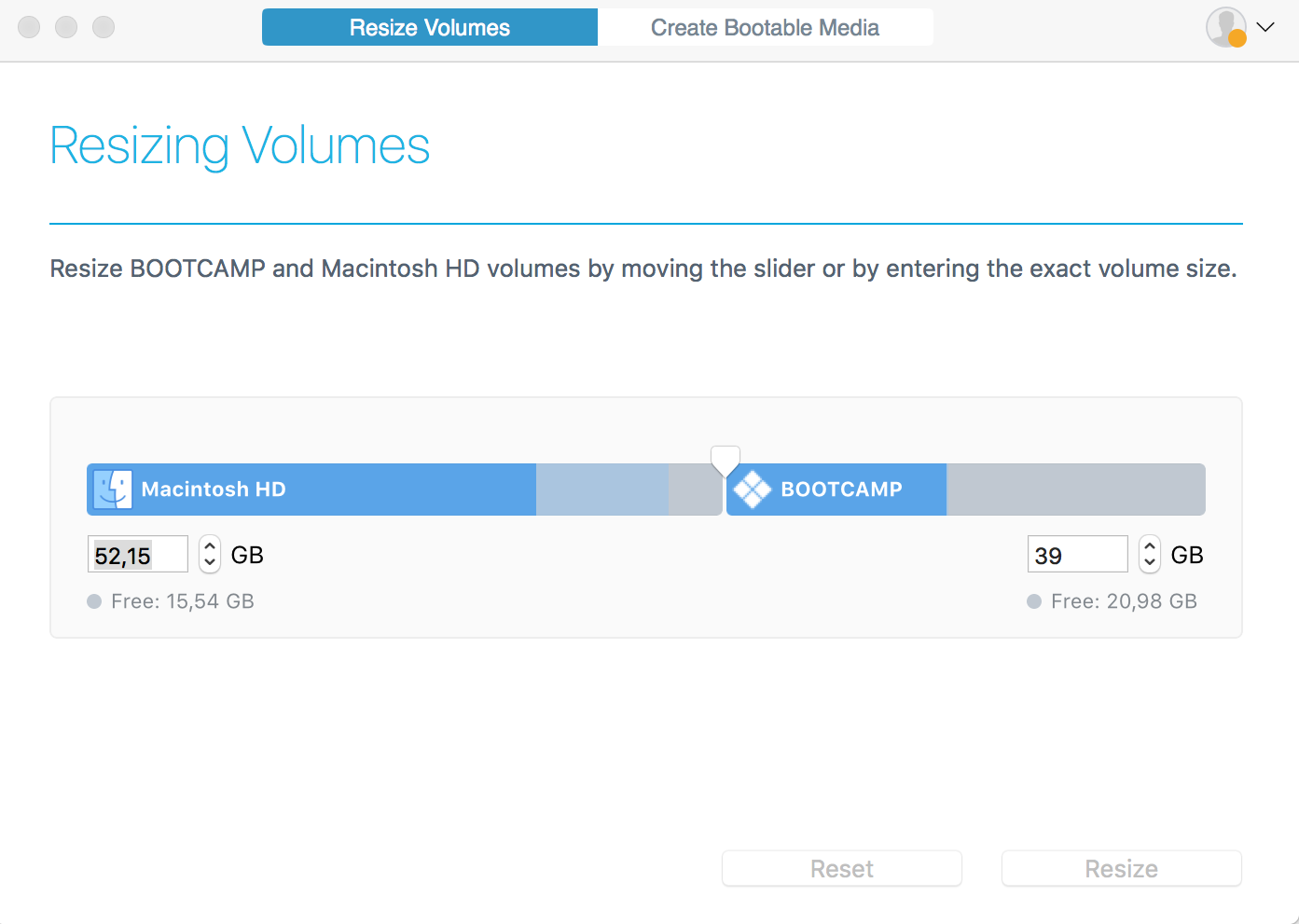
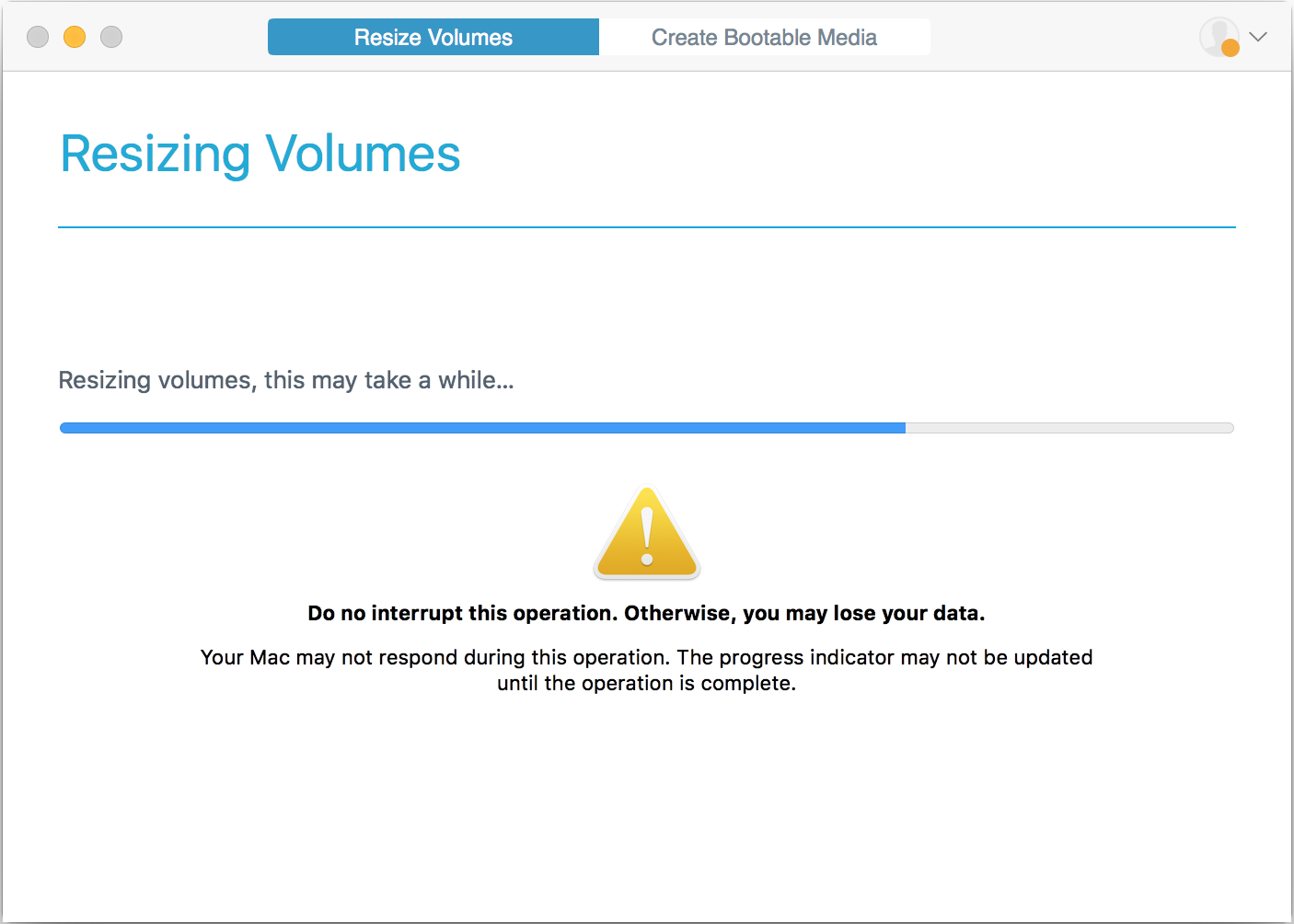
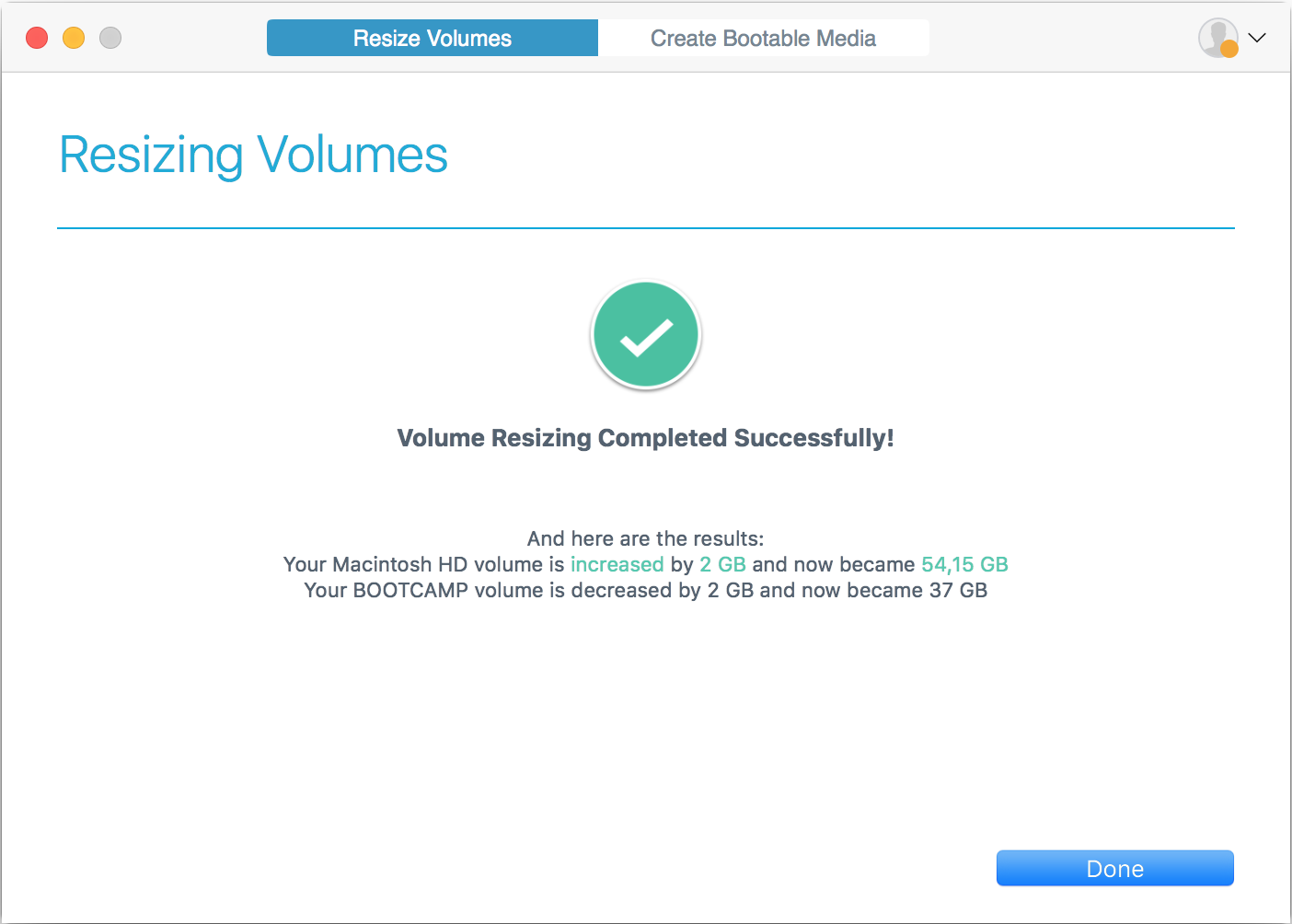
Move the partition size slider and click ‘Resize’ or type in the exact size in gigabytes for either partition.
Enhance Camptune with these apps
System Requirements
| Supported macOS versions |
|
| Supported Mac models | Macs with Intel CPU. Mac computers with M1 chip (Apple Silicon) are not supported |
Features
| Features | Benefits |
|---|---|
| Supported Microsoft Windows versions | Any Boot Camp-supported version of Windows. Learn more ›› |
| Fusion Drive | Logical volumes on the hybrid Fusion Drives can be resized |
| FileVault | FileVault encrypted volumes are supported. |
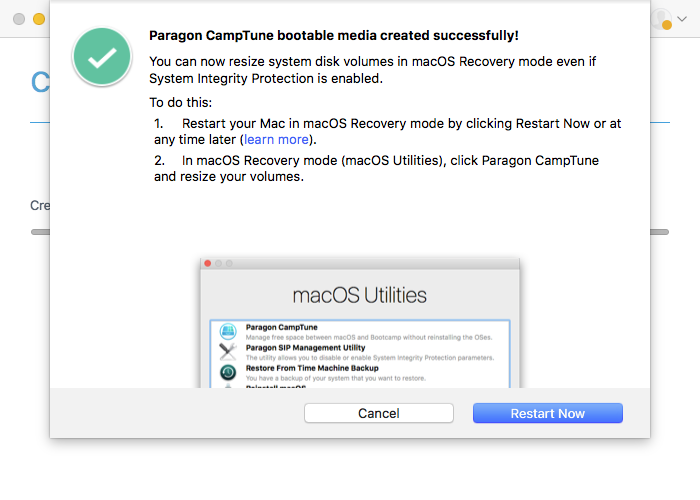
| System Integrity Protection | Paragon CampTune can perform resize operations with a system disk in macOS even with System Integrity Protection turned on |
| Apple File System (APFS) support | Apple File System is fully supported |
Frequently Asked Questions
| What operations can I perform with the demo version? | |
| |
| Does CampTune work with System Integrity Protection (SIP)? | |
| |
| Why does CampTune produce the “Invalid Boot Camp configuration” error? | |
| |
| Is APFS supported? | |
| |
| What if my version of Mac OS X is 10.10 or earlier? | |
|
Resources
| Current Version | Download Paragon CampTune | ||
| Previous Versions | |||
| Product Documentation | Download CampTune One Pager | ||
| Need help? | Contact our support team | ||
| External links |
*Paragon Software Group is not responsible for the content or accuracy of any third-party website. |

To stay up-to-date on new products and solutions by Paragon Software, check out the Paragon Blog

Many Paragon products come with free technical support. All of our Customers are entitled to a free 30-day upgrade if a new version appears within 30 days of product purchase. Should you have any questions about the installation or configuration of our software, do not hesitate to contact our Support Team.