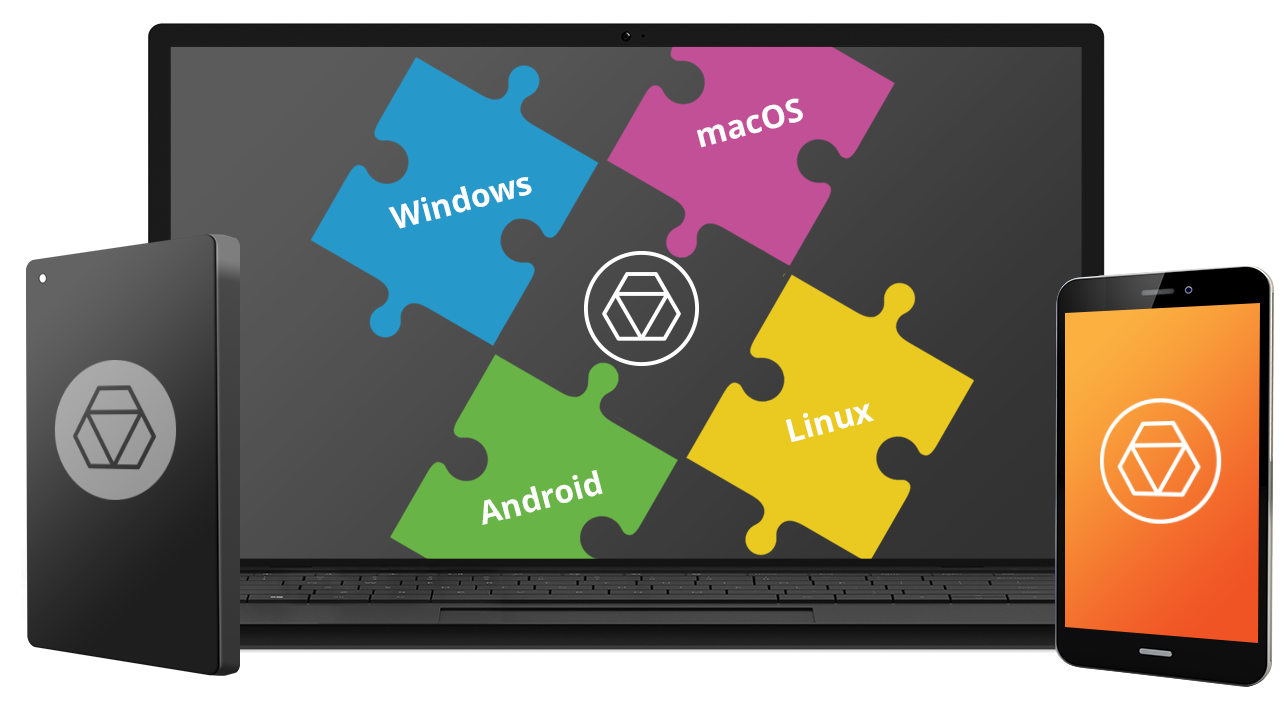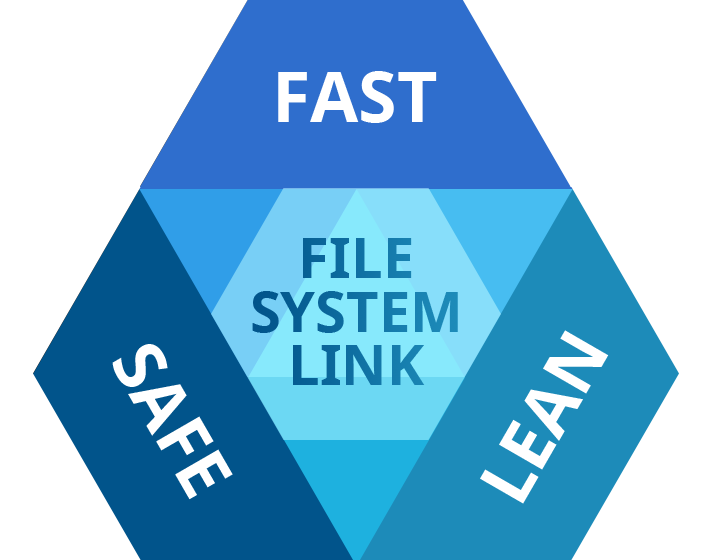
Pick all three.
Stable Operation
Fail-safe operability across compatible hardware and software systems for both general-purpose and specialized applications
Data Safety
Protection of data integrity and prevention of accidental data corruption and possible loss
Guaranteed Performance
Steady throughput and balanced goodput with effective flow control, reduced overheads, and congestion avoidance
Efficient Use
Thrifty usage of processor, memory, and disk resources
Native look and feel
How it Works

Install
Download and install the HFS+ for Windows by Paragon Software

Connect
Your HFS+ drive to your PC

Use
Your drive will show up in Explorer
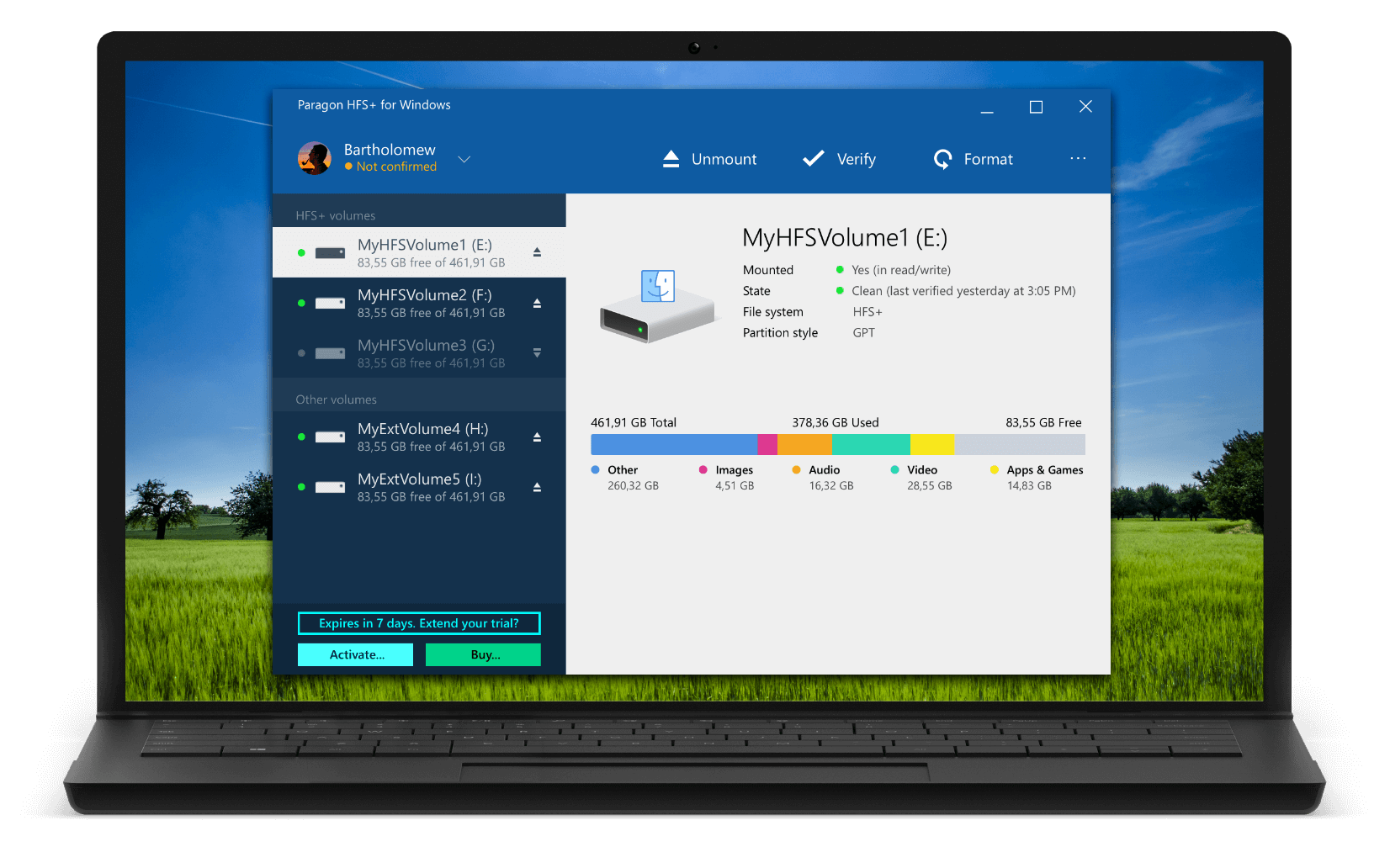
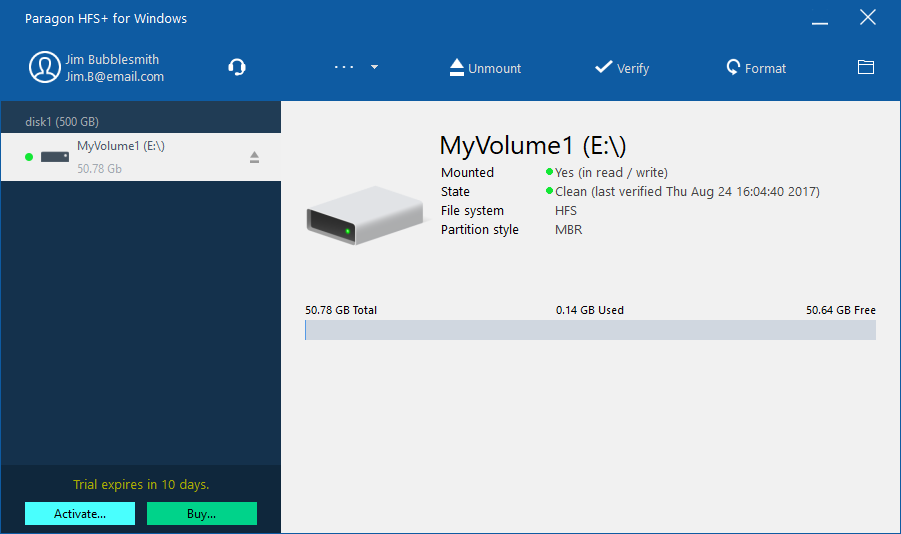 Straightforward UI for working with HFS+ partitions as easily as native volumes
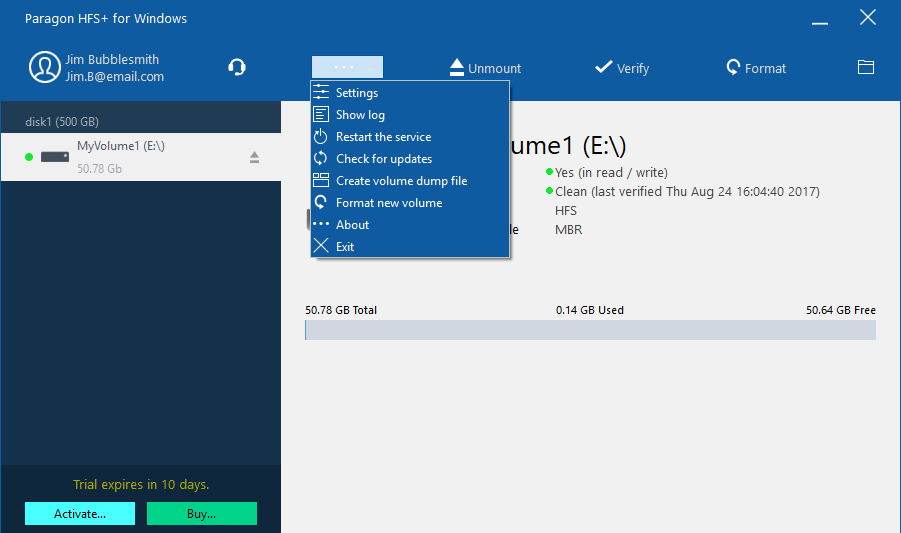 Easy to navigate all features from a single application menu
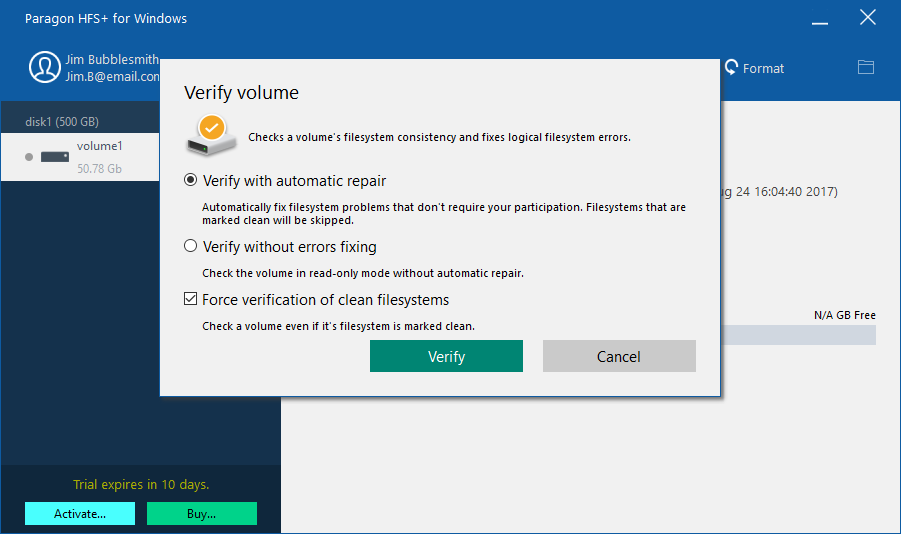 Check the integrity of HFS+ partitions to fix errors and view status report
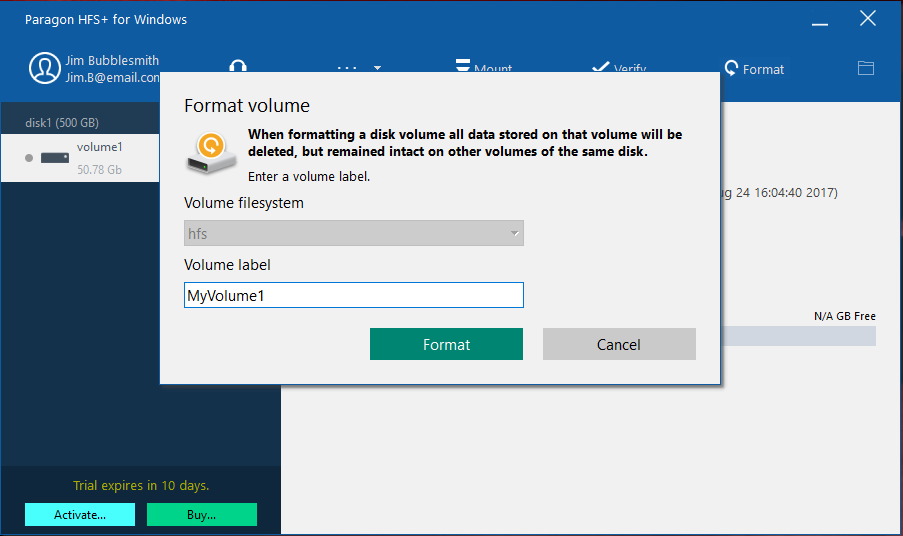 Format any partition to HFS+ file system
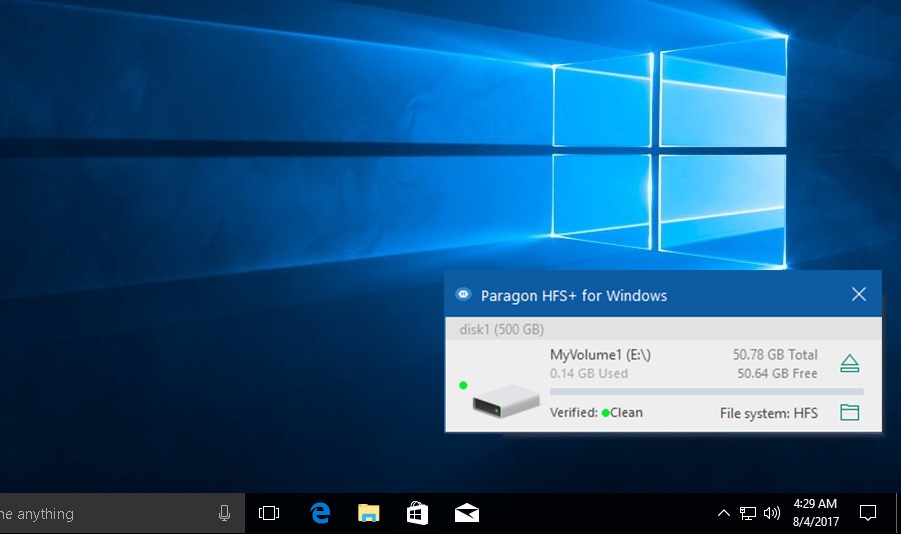 Quickly access HFS + partitions from the Windows taskbar
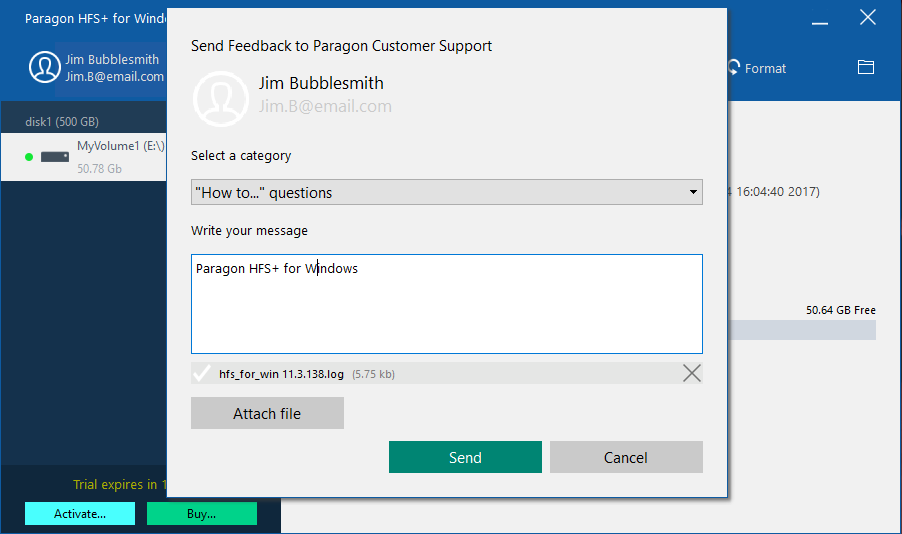 Contact us right from the application
Features
| Supported Operating Systems |
|
| Supported File Systems |
|
| Write Access | When a volume is mounted in write mode, you can do everything with files and folders it contains: read, edit, delete, rename, create new. |
| Automount | HFS+ for Windows by Paragon Software mounts supported volumes automatically at startup, so you don’t need to bother about it each time you restart the operating system or power your computer on. However, this feature can be disabled at any moment in the program interface. |
| Internationalization | HFS+ for Windows by Paragon Software supports all alphabets supported by your operating systems, including those that use non-Roman and non-Latin characters, so you will never face a problem of not getting access to file names on volumes mounted in non-native OS. |
| Support for journaling | HFS+ for Windows by Paragon Software supports native HFS+ journaling, thus ensuring that in case of any failure the disk file system is not irreversibly corrupted and can be put back on track easily. |
| Compatible with Apple Boot Camp | HFS+ for Windows by Paragon Software is fully compatible with Apple Boot Camp software and provides direct read and write access to Mac partitions from Windows installed on a Boot Camp. |
| Compatible with 3rd party software | HFS+ for Windows by Paragon Software is compatible with popular virtualization and encryption applications including VMware Fusion and Workstation, Parallels Desktop, TrueCrypt and its forks. |
Frequently Asked Questions
Due to the specifics of Windows 8, Windows 10 or Windows 11 Fast Startup feature, we highly recommend that you disable it before installing the driver to avoid possible file system corruption. For more details, please refer to the Microsoft Knowledge Base ››
| Can I try the product for free before buying? | |
| |
| What versions of the HFS file system are supported? | |
| |
| Is APFS supported? | |
| |
| Is BootCamp supported? | |
| |
| Is Core Storage supported? | |
| |
| It doesn’t work! My HFS+ drive is not recognized in Windows, even after installing HFS+ for Windows by Paragon Software | |
| |
| The product doesn’t run on Windows Server 2012 R2. | |
| |
| Can I open my Time Machine backup using HFS+ for Windows? | |
| |
| I frequently work with NTFS, HFS+, APFS-formatted partitions on my Mac and Windows PC. Can I get a discount, if I buy all drivers at once? | |
|
Purchase options
Paragon Technology Center
Want to learn more about the technology behind Microsoft NTFS for Mac by Paragon Software? Check out the Paragon Technology Portal!